Your own LinkedIn content system, built around your brand.
It does not write your posts for you. You bring the rough draft or the half-formed idea, and it pressure-tests your hook, sharpens the writing in your own voice, and turns it into finished, on-brand posts in minutes. Built on your words and your context, so what comes out is still yours, never generic AI.
This is the kind of content it makes.
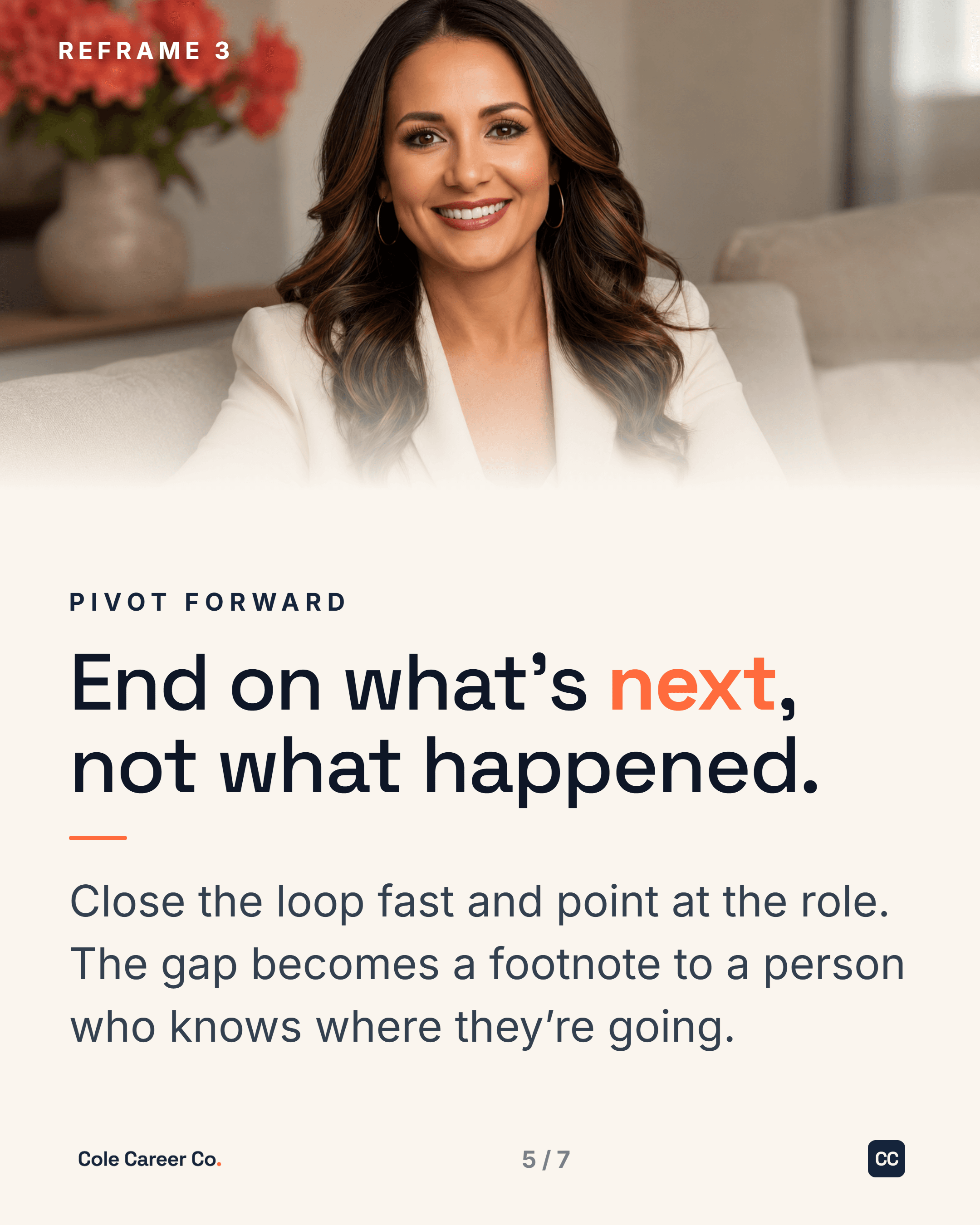
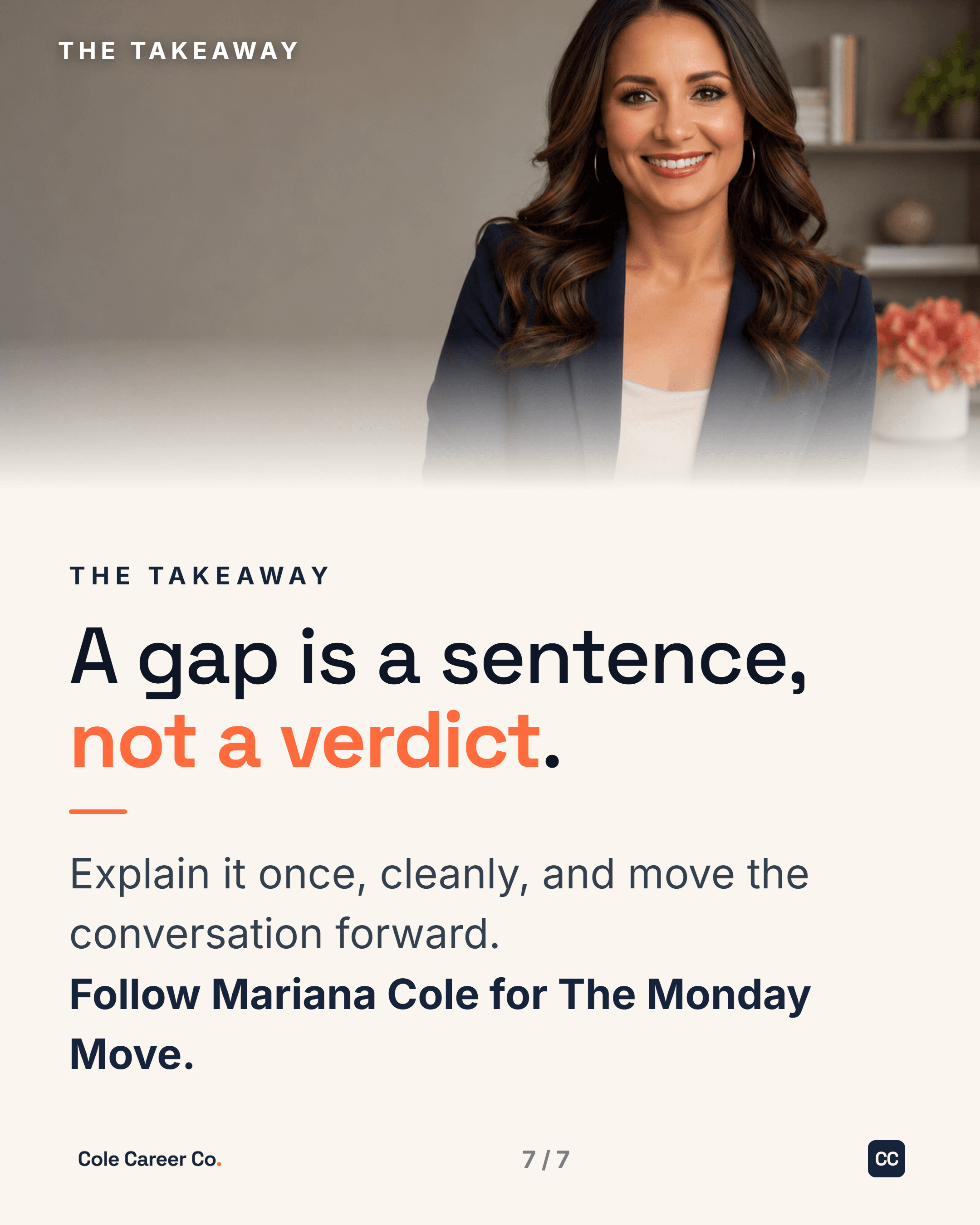
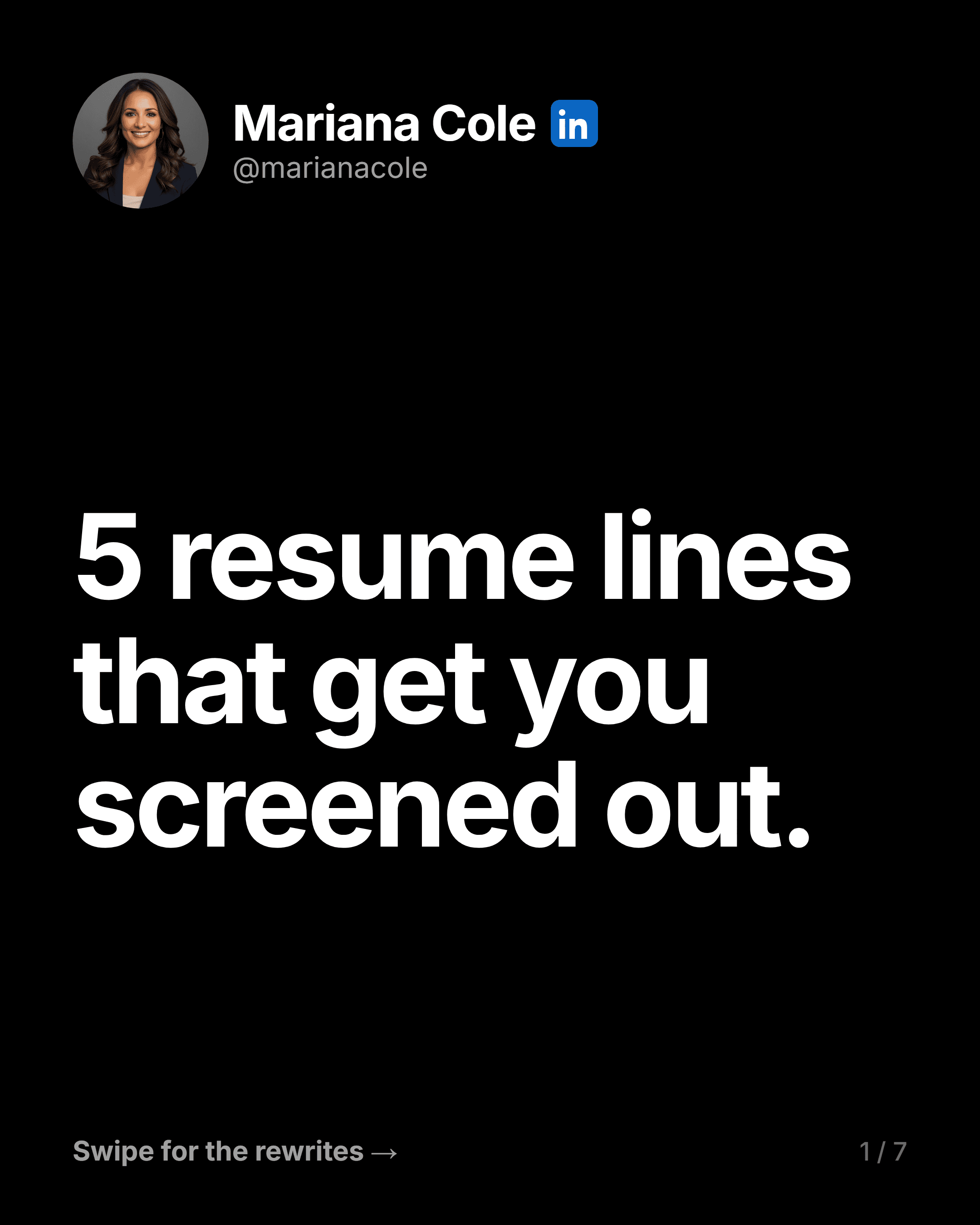
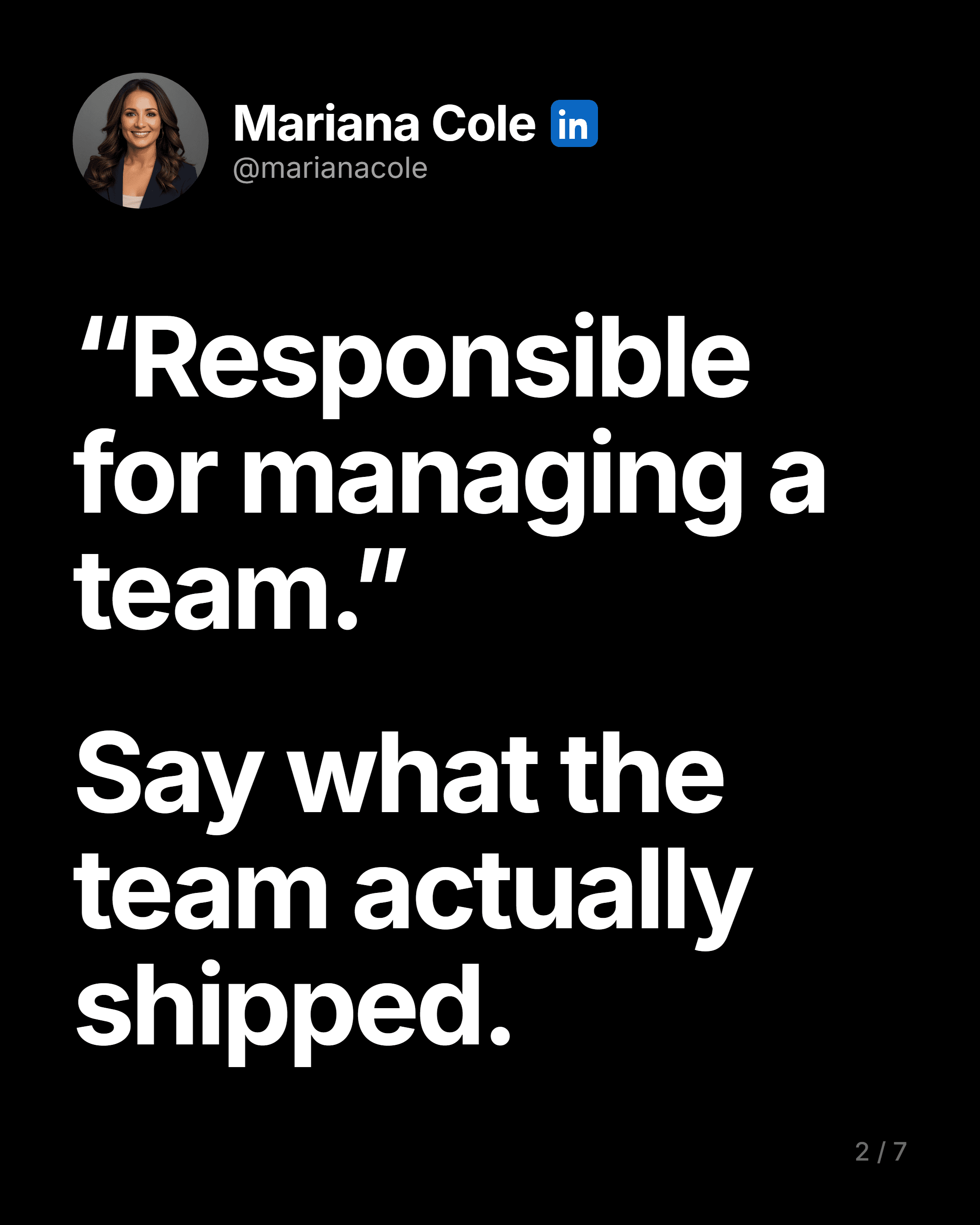
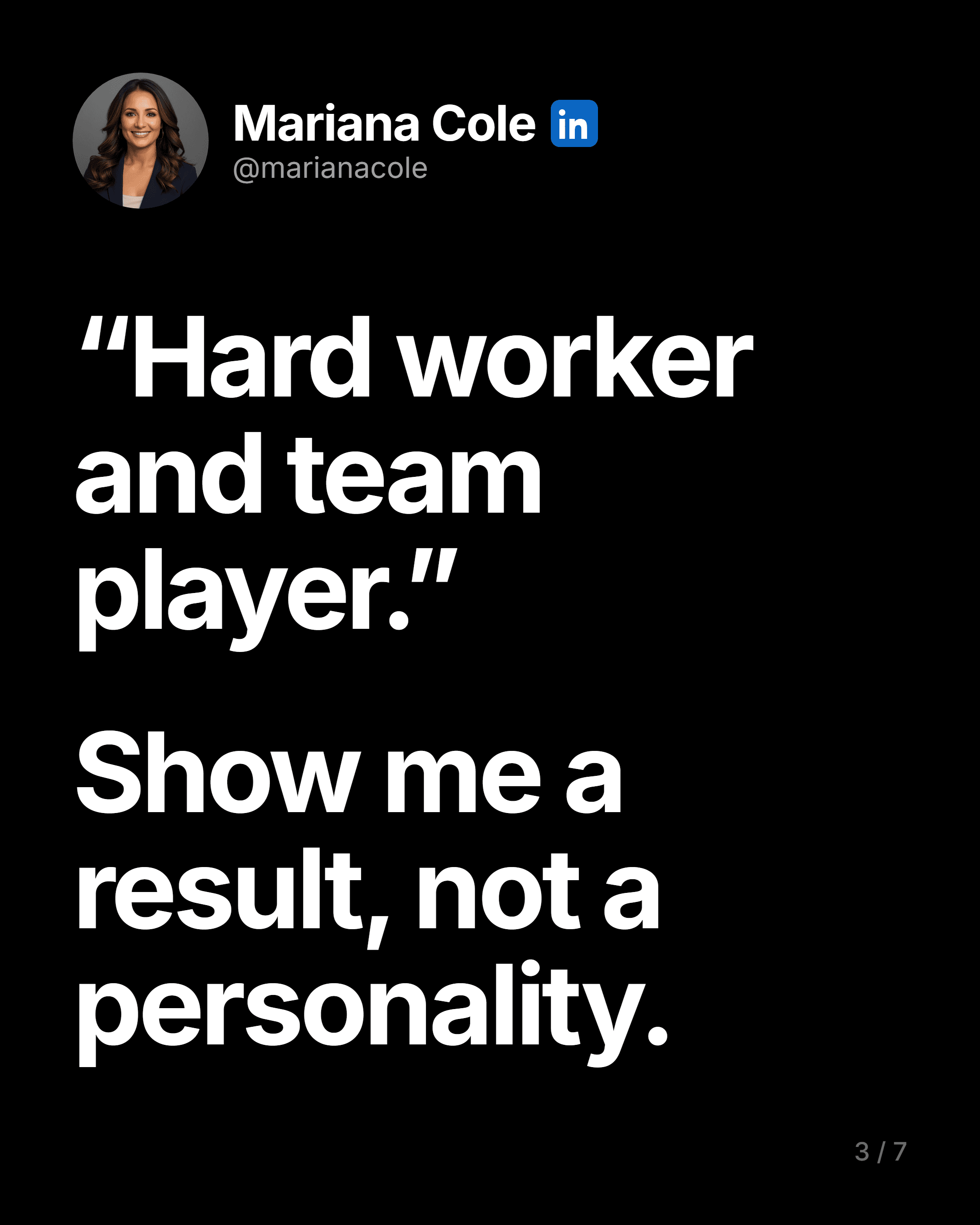
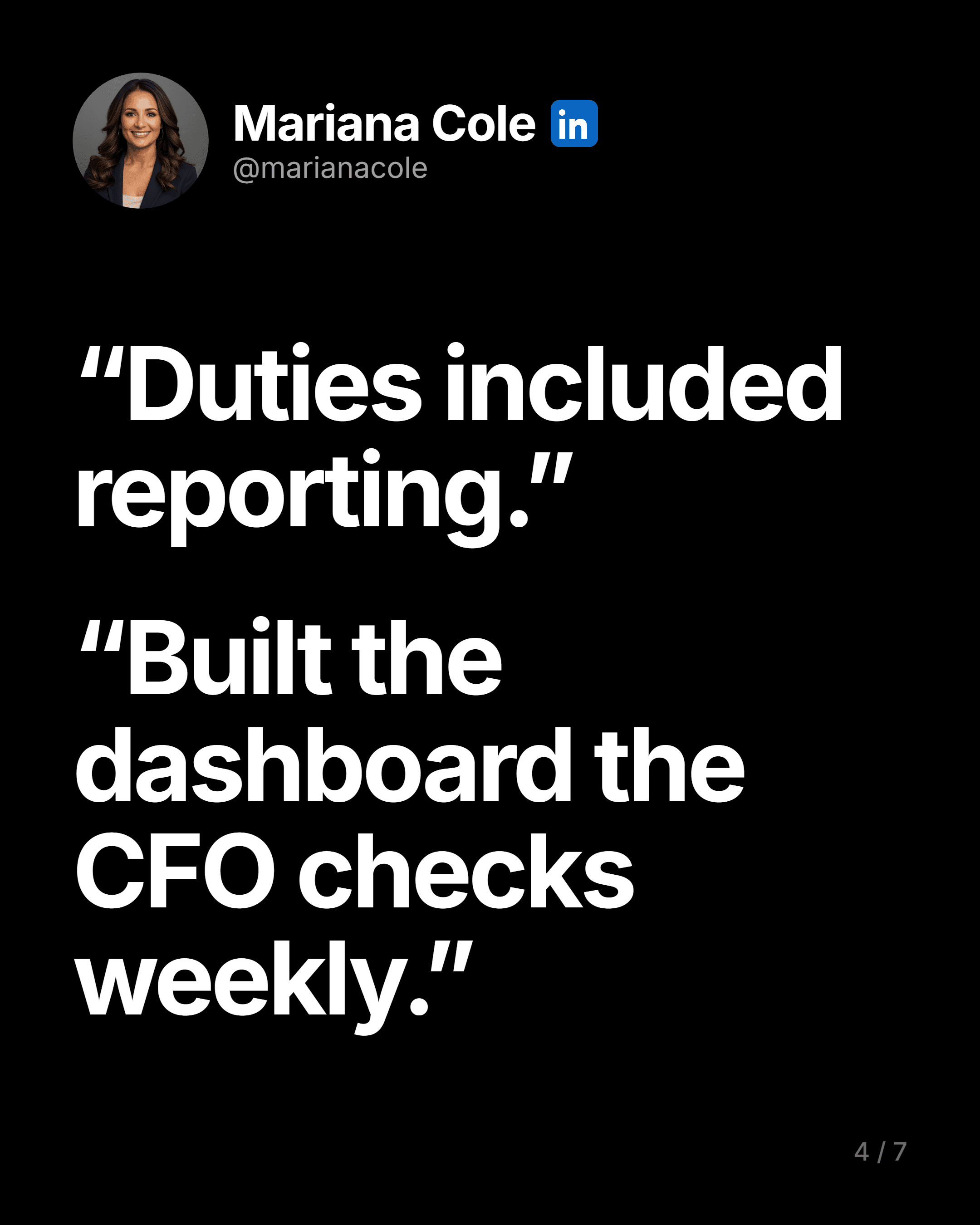
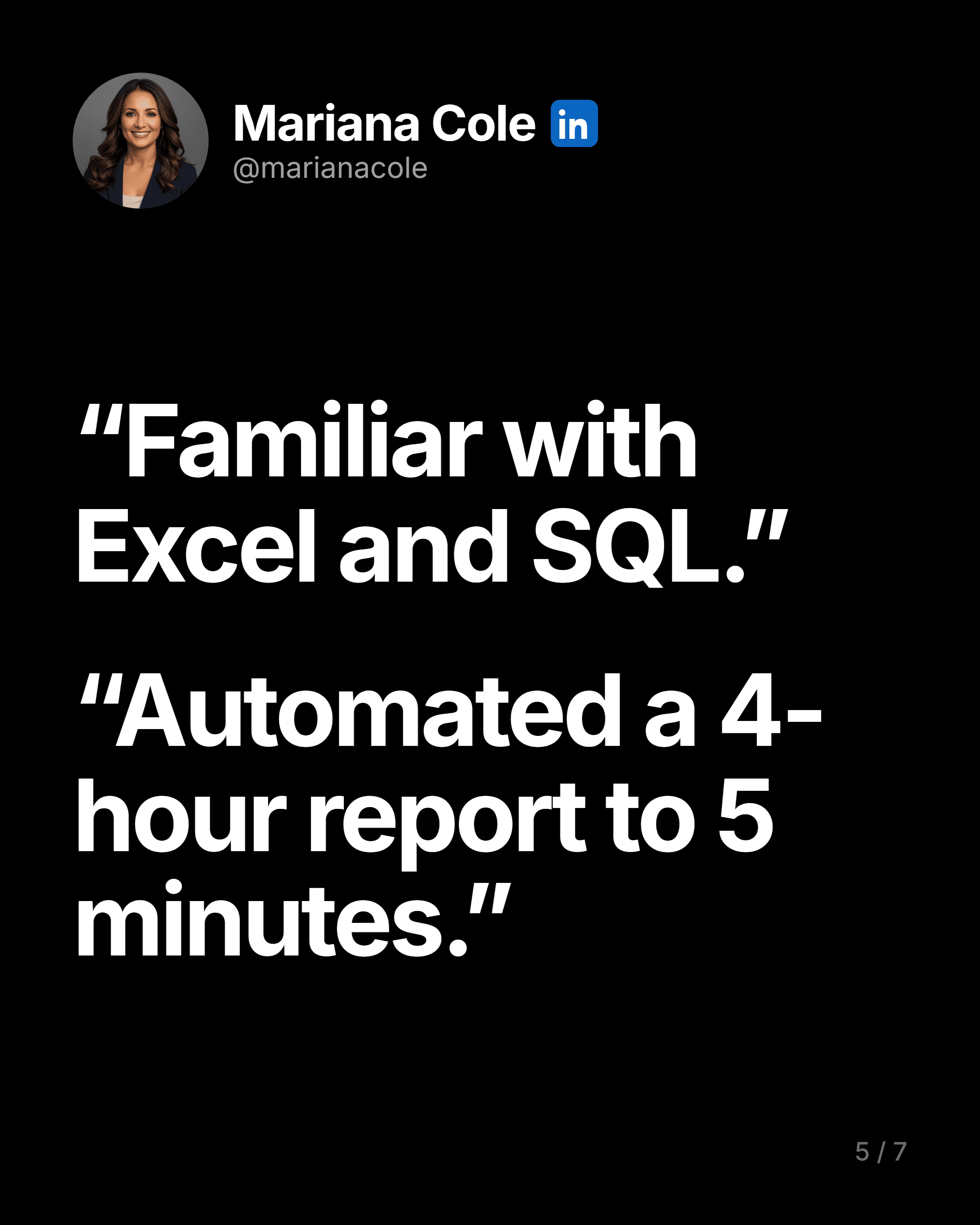
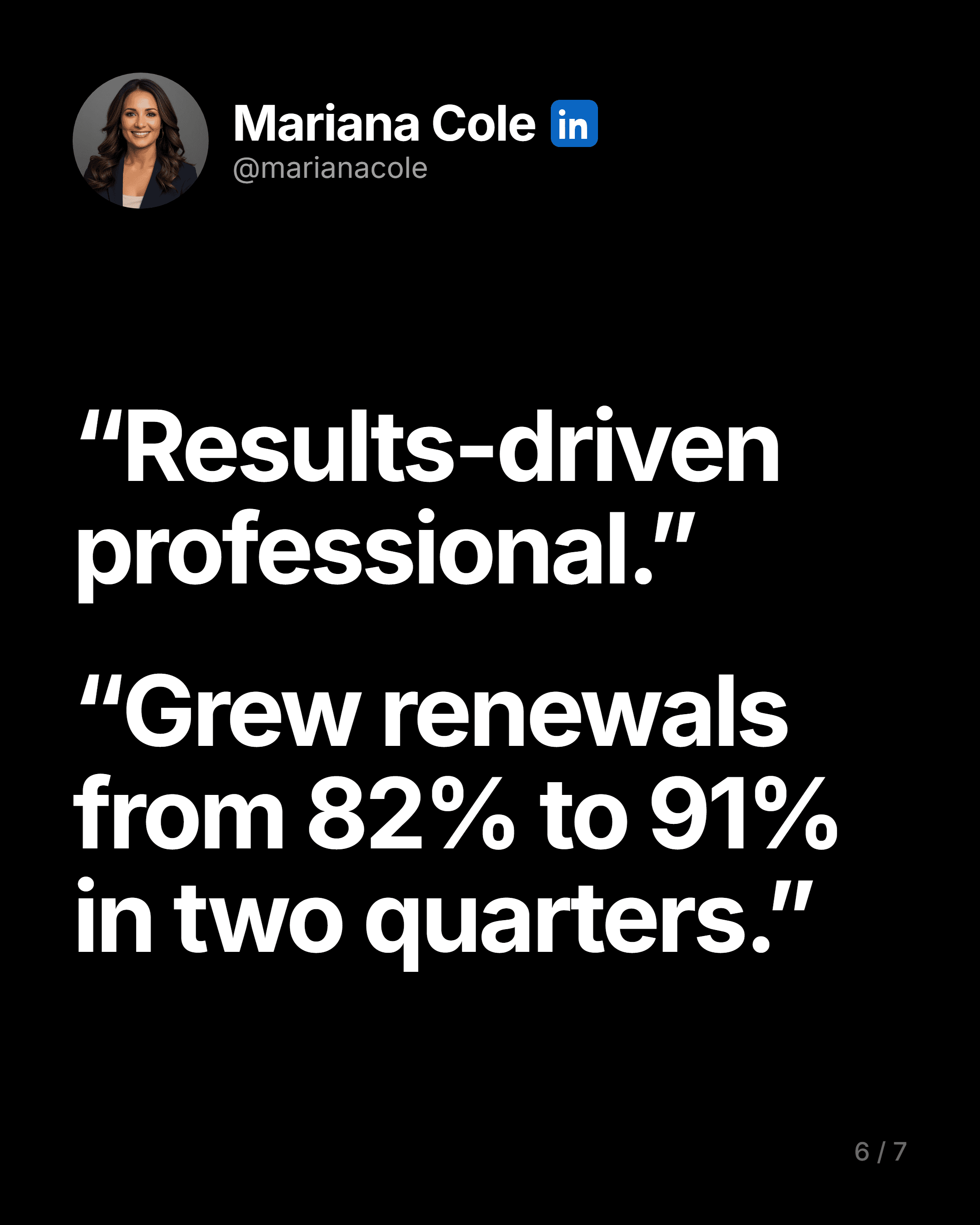
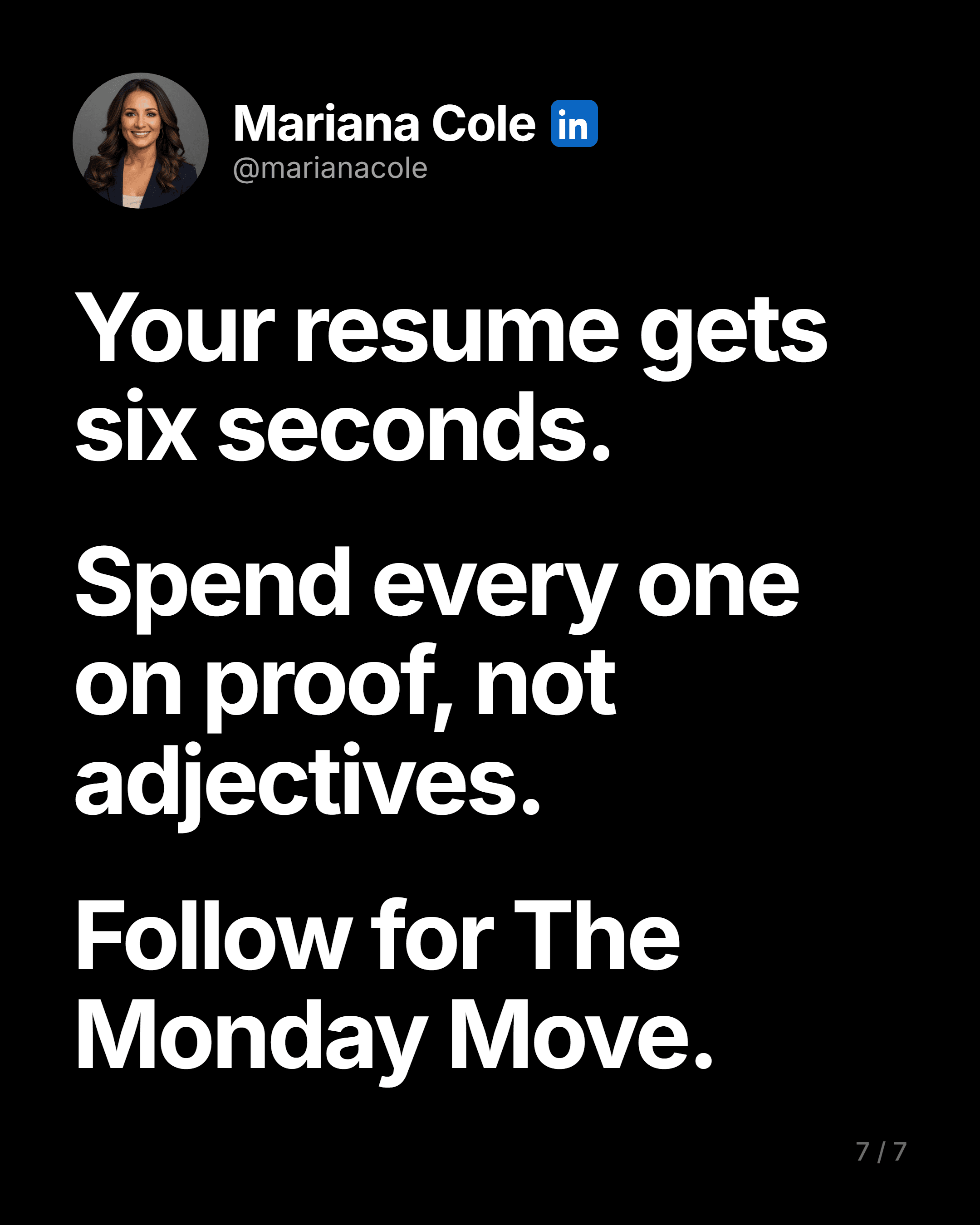
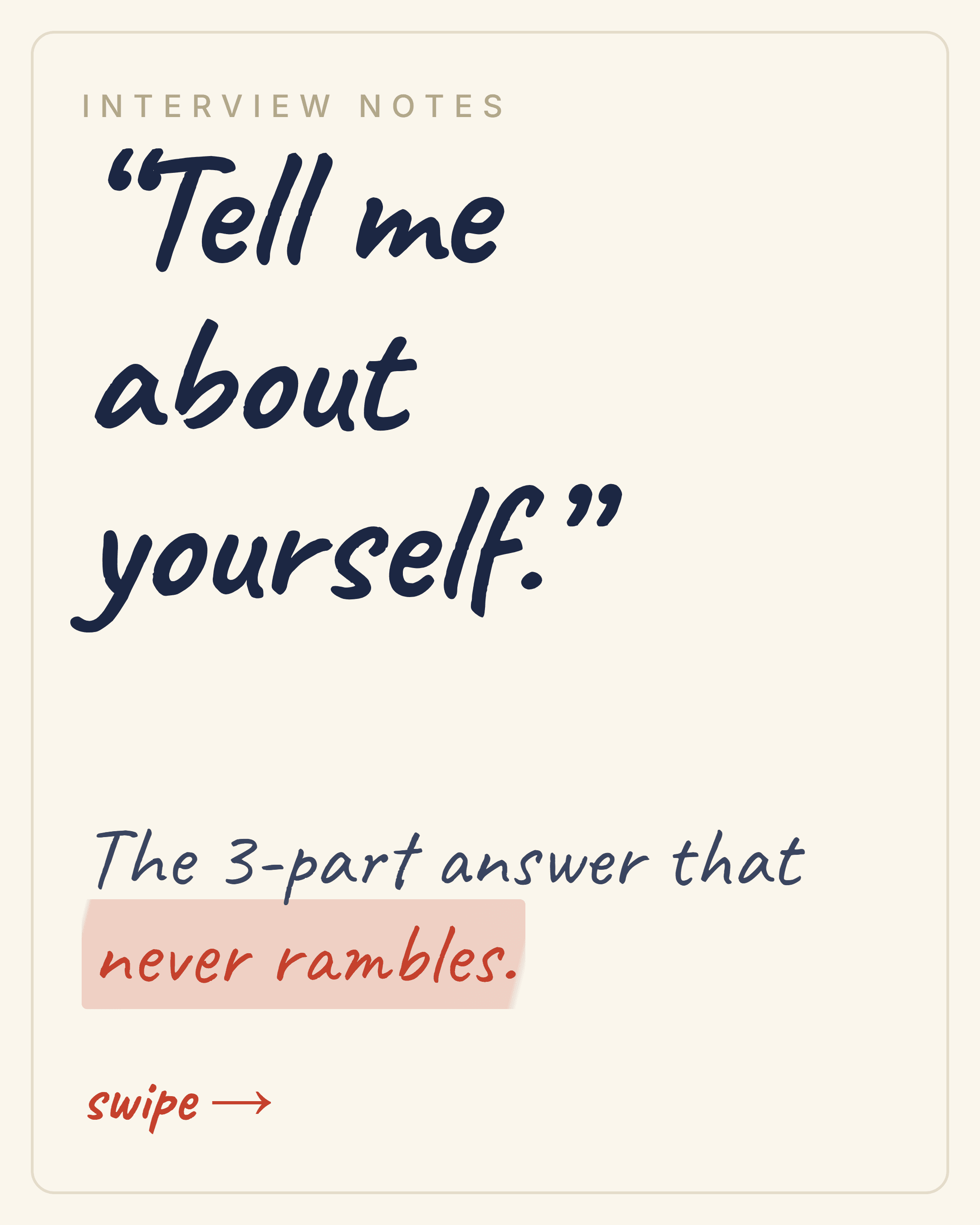
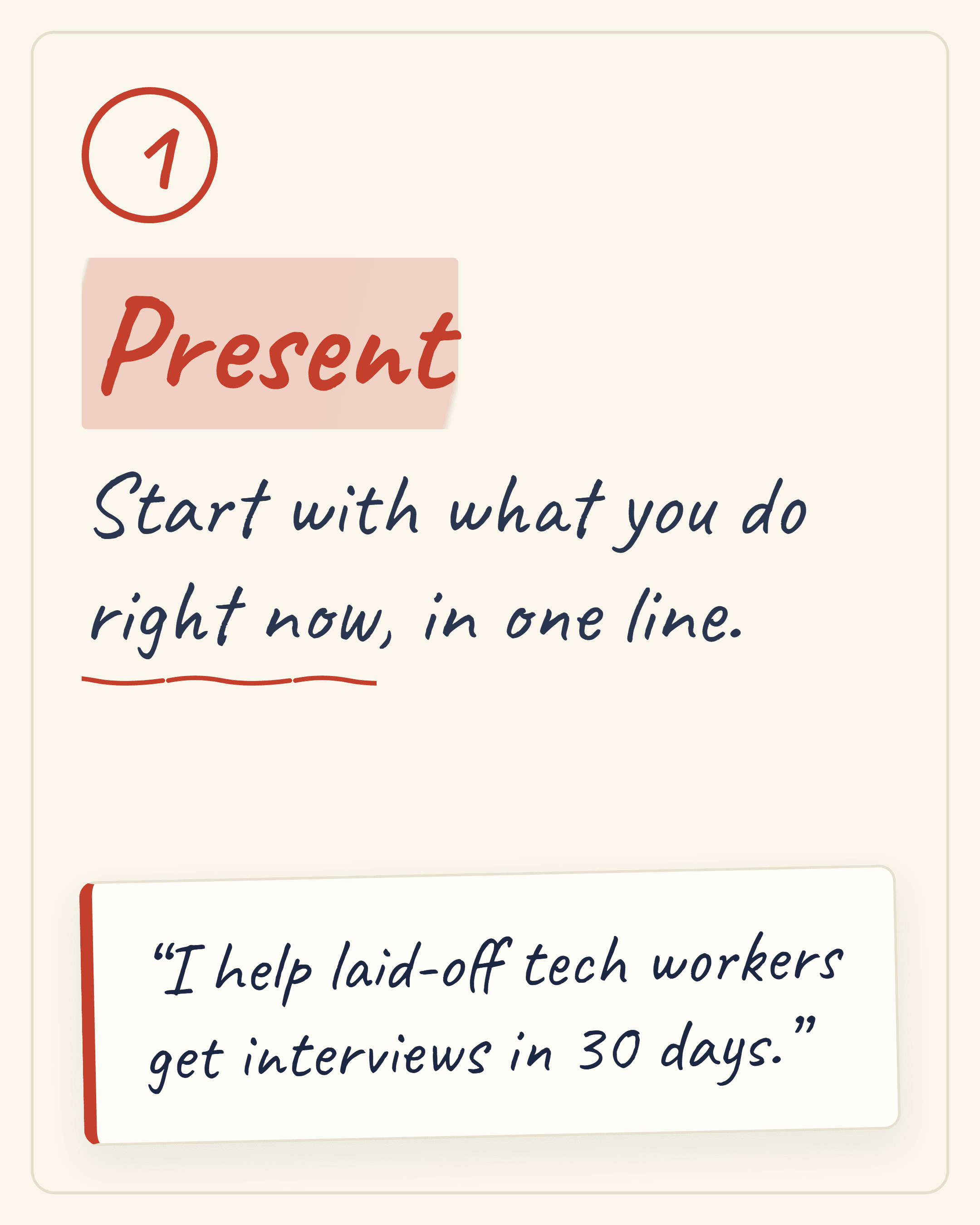
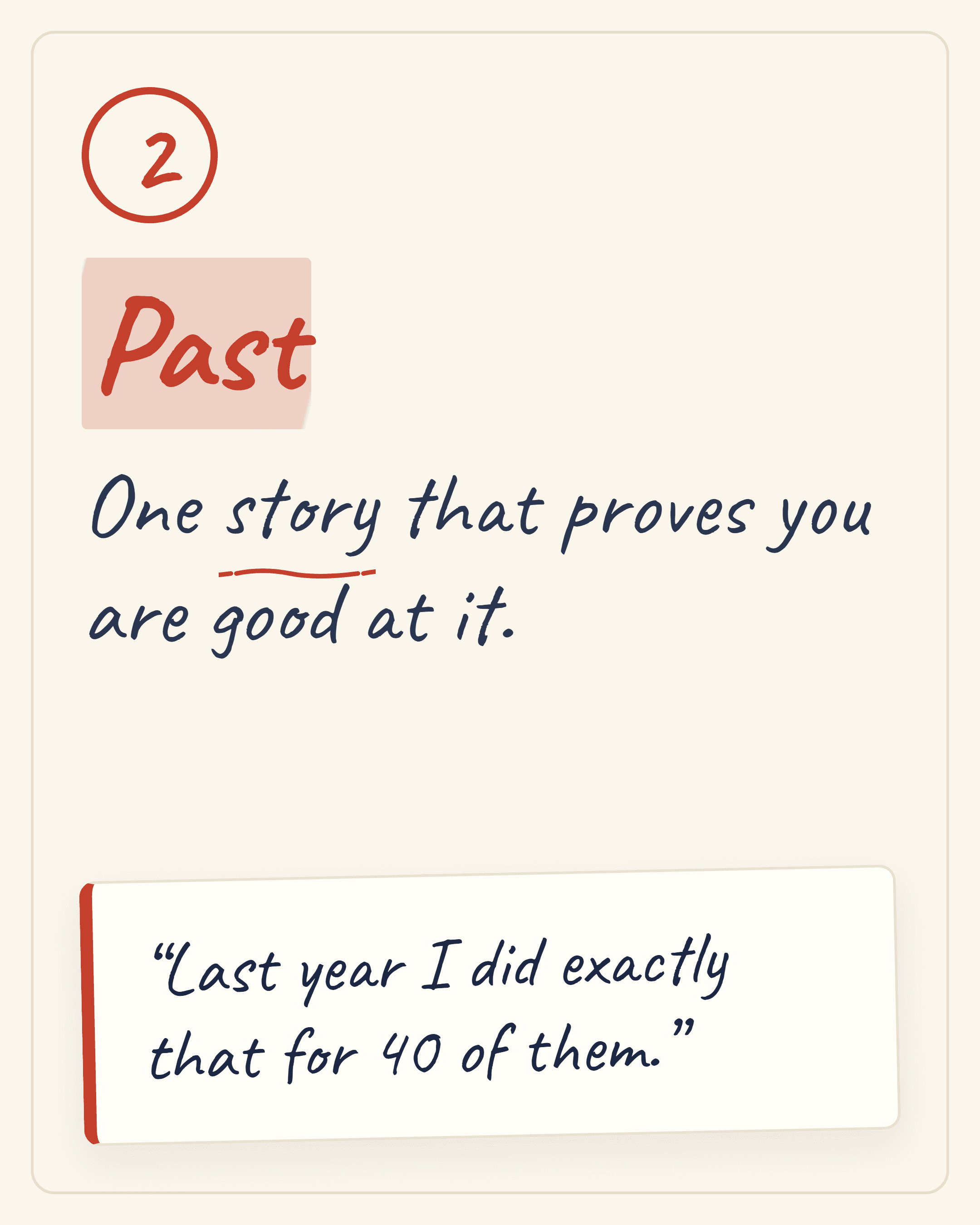
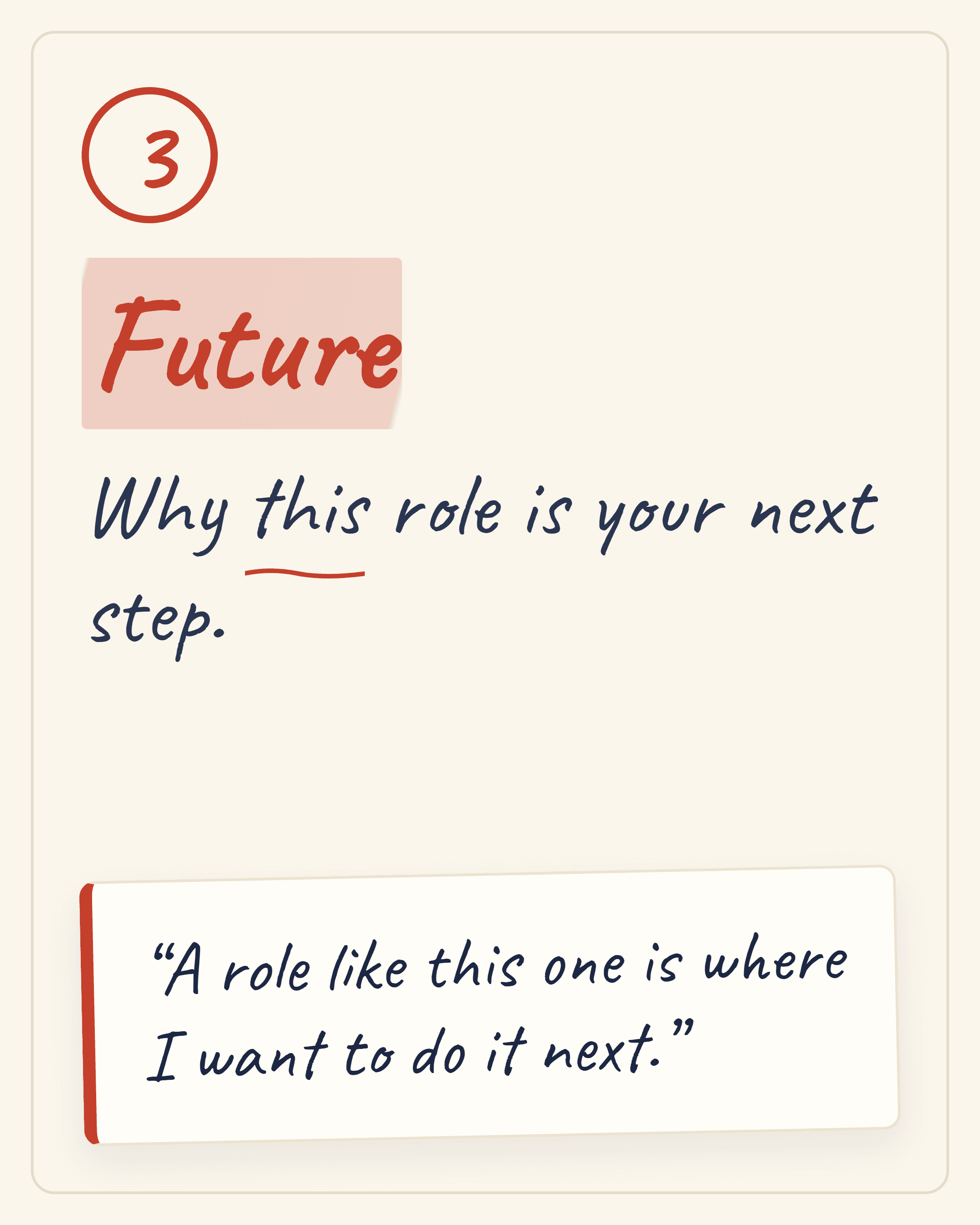
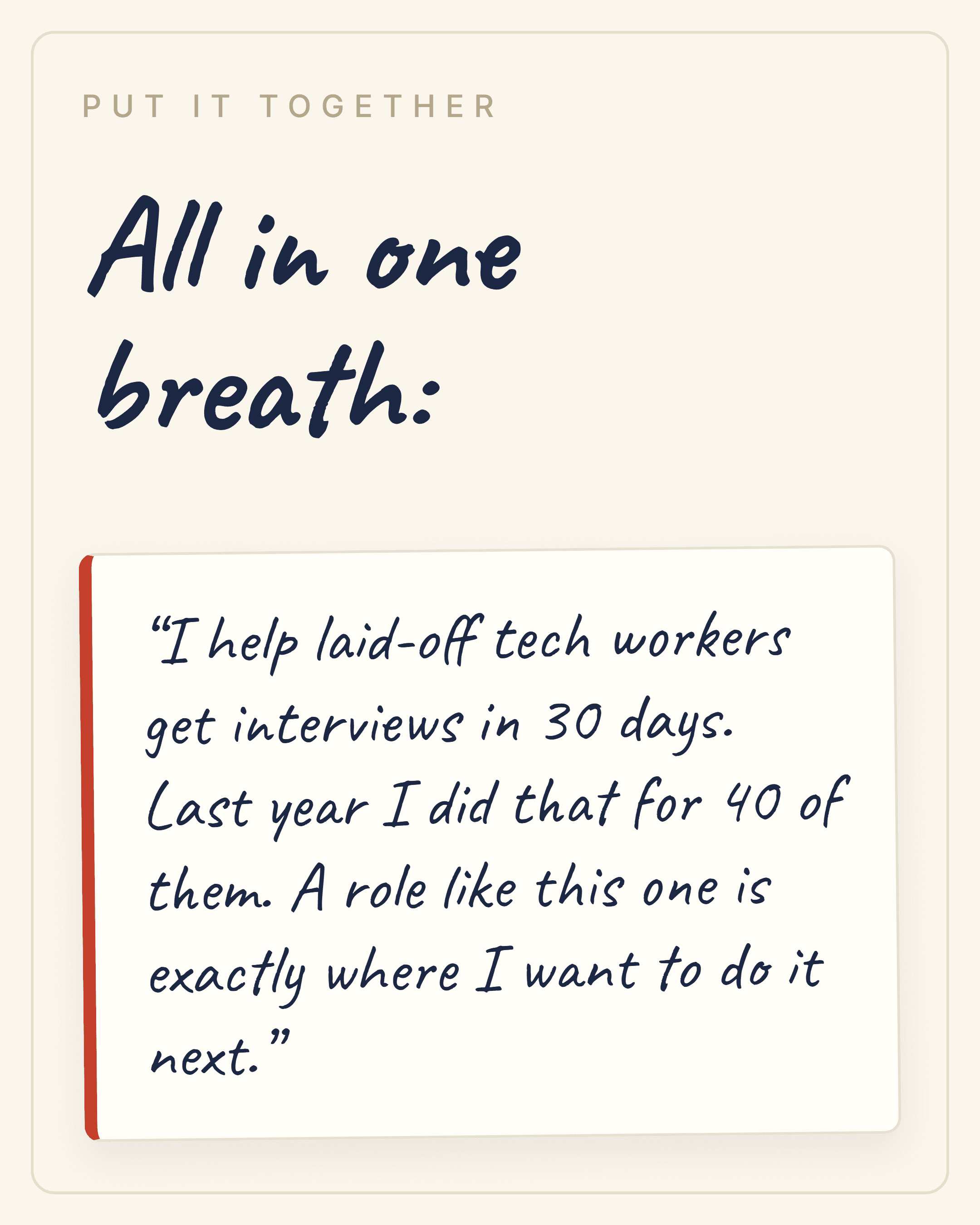
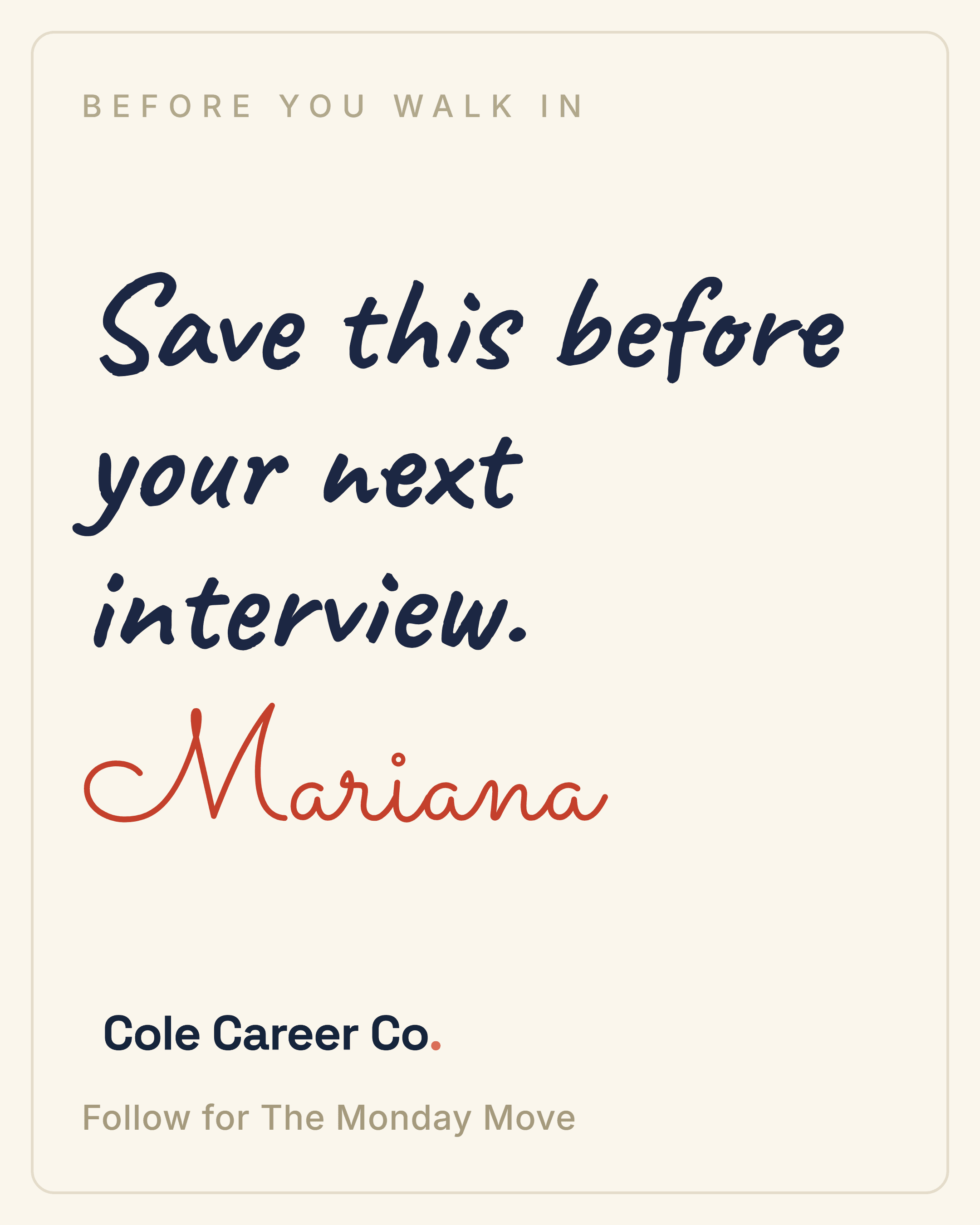
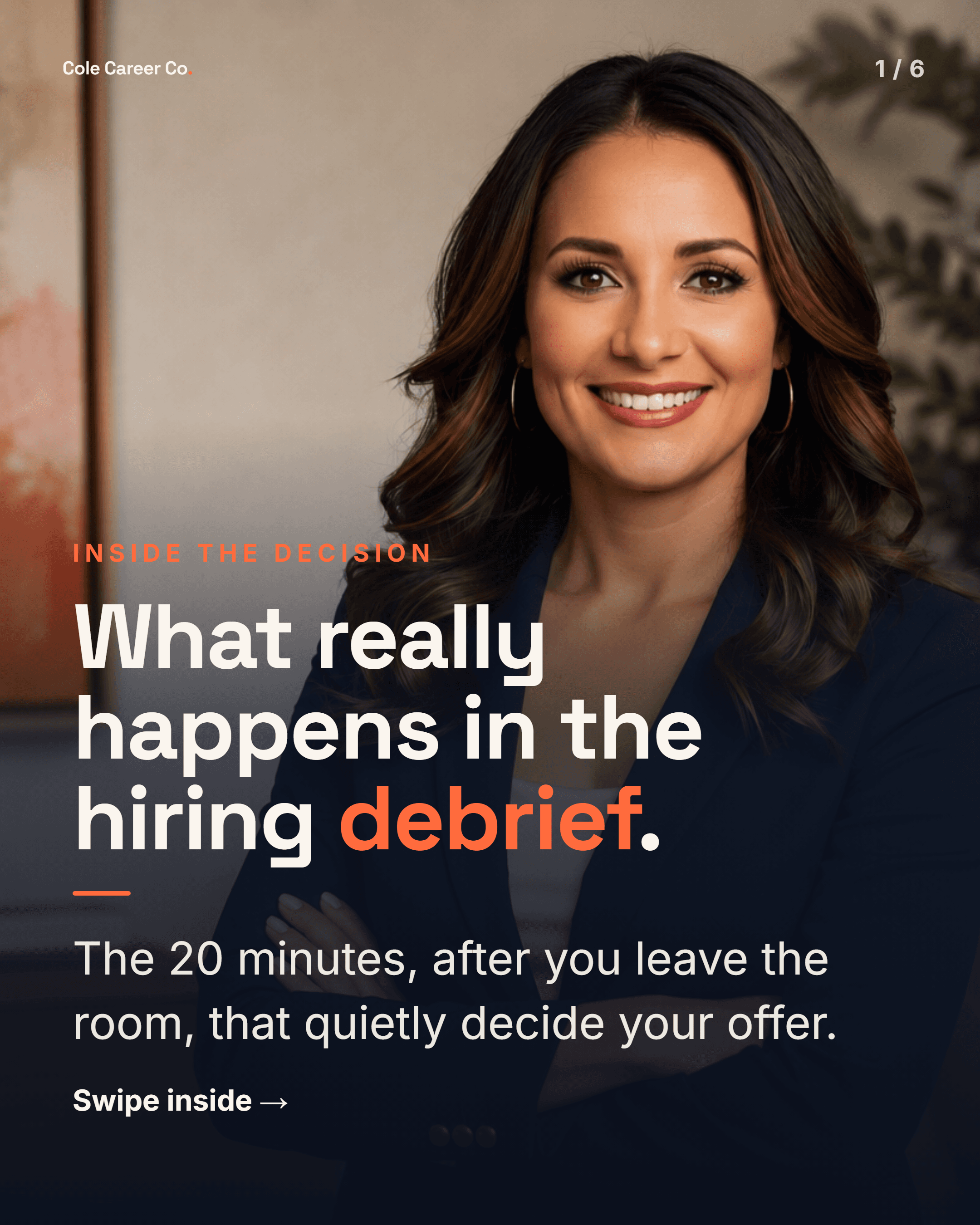
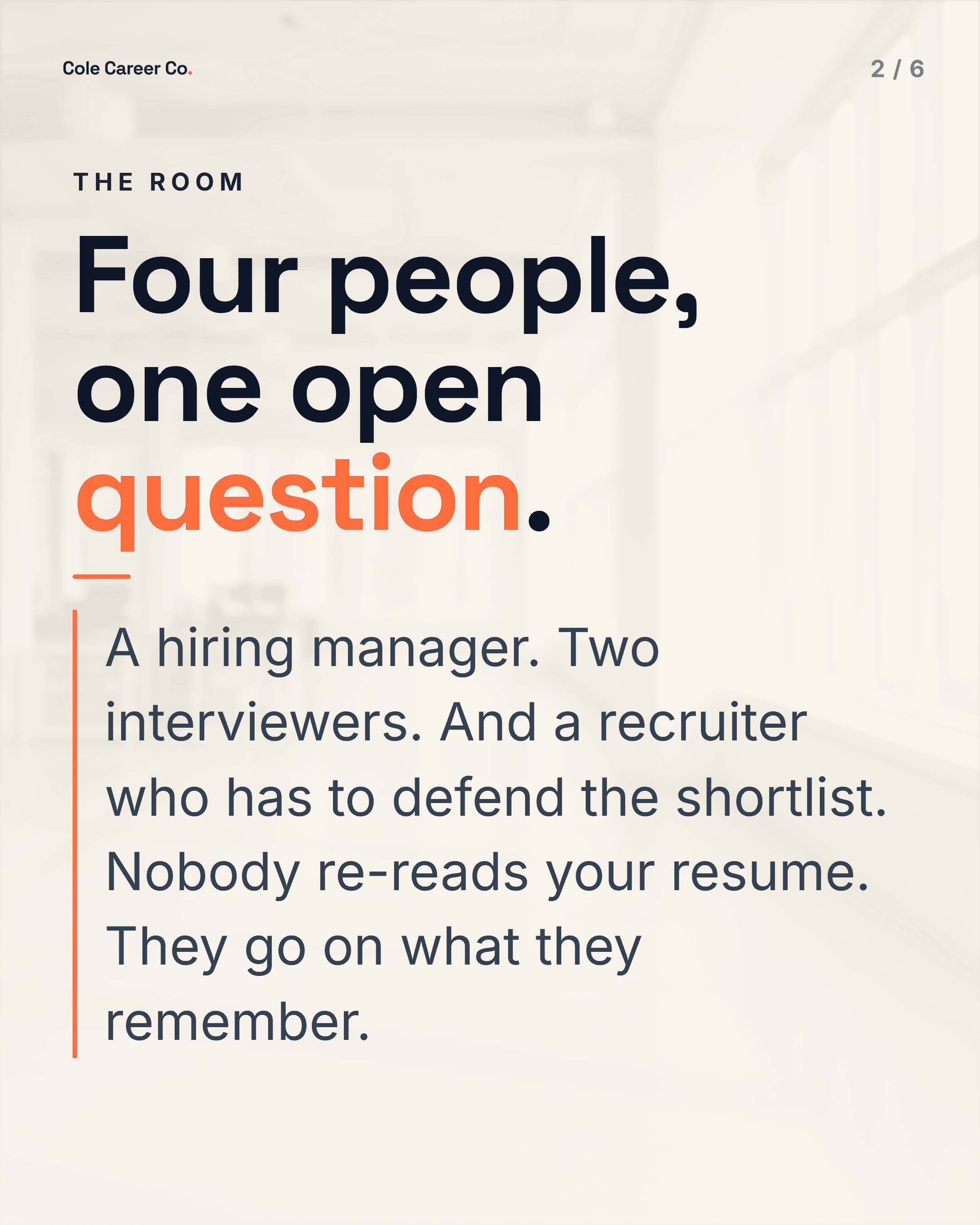
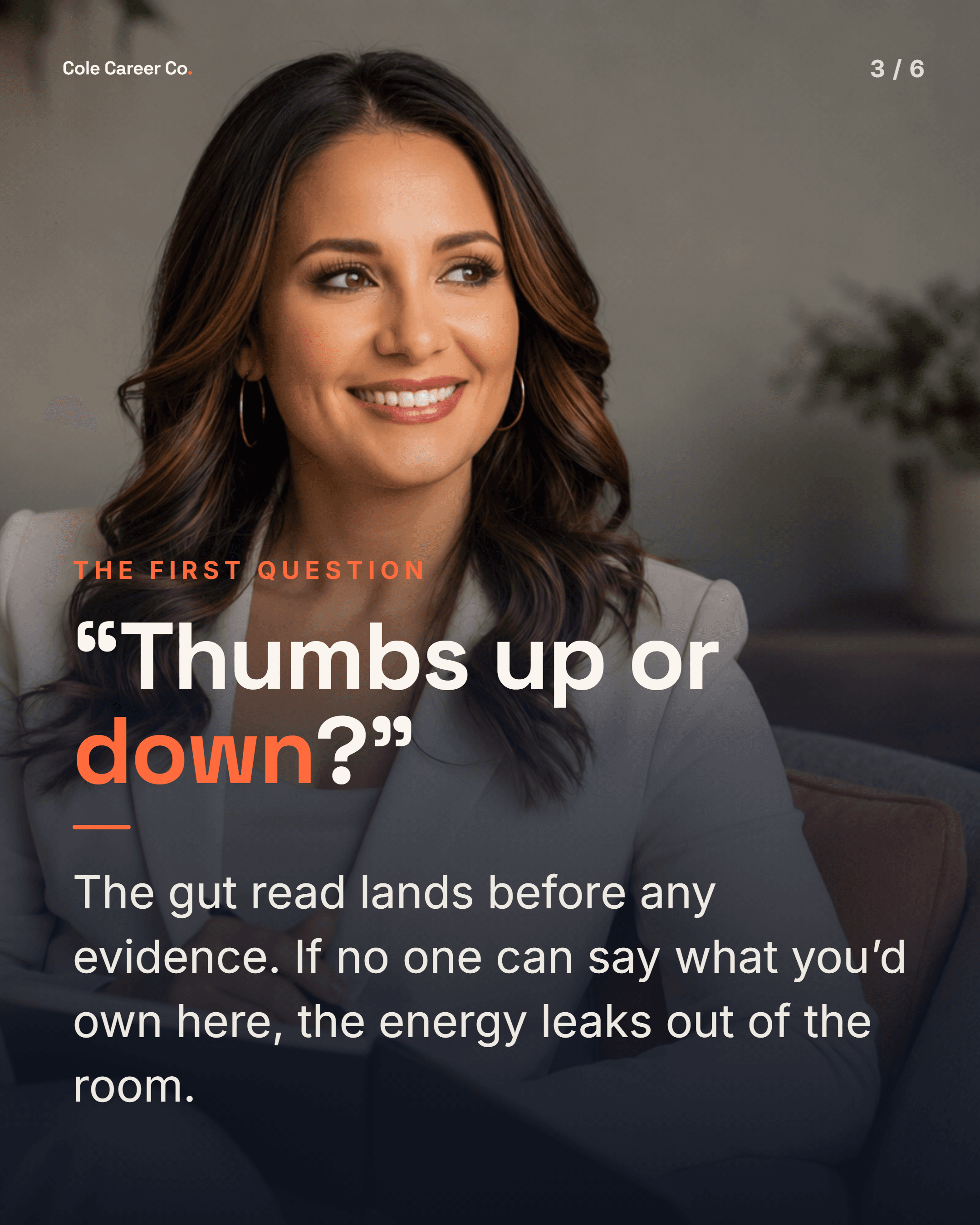
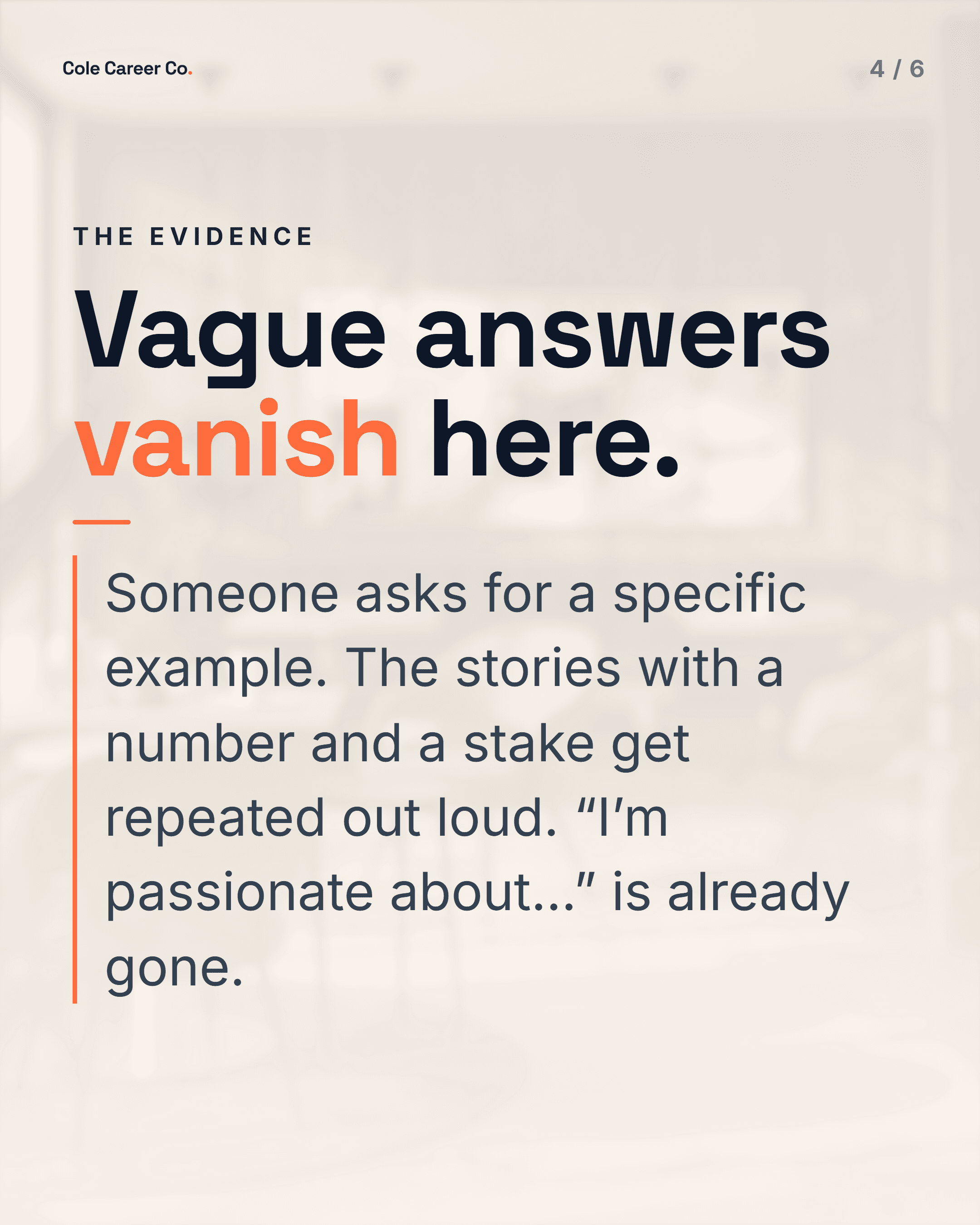
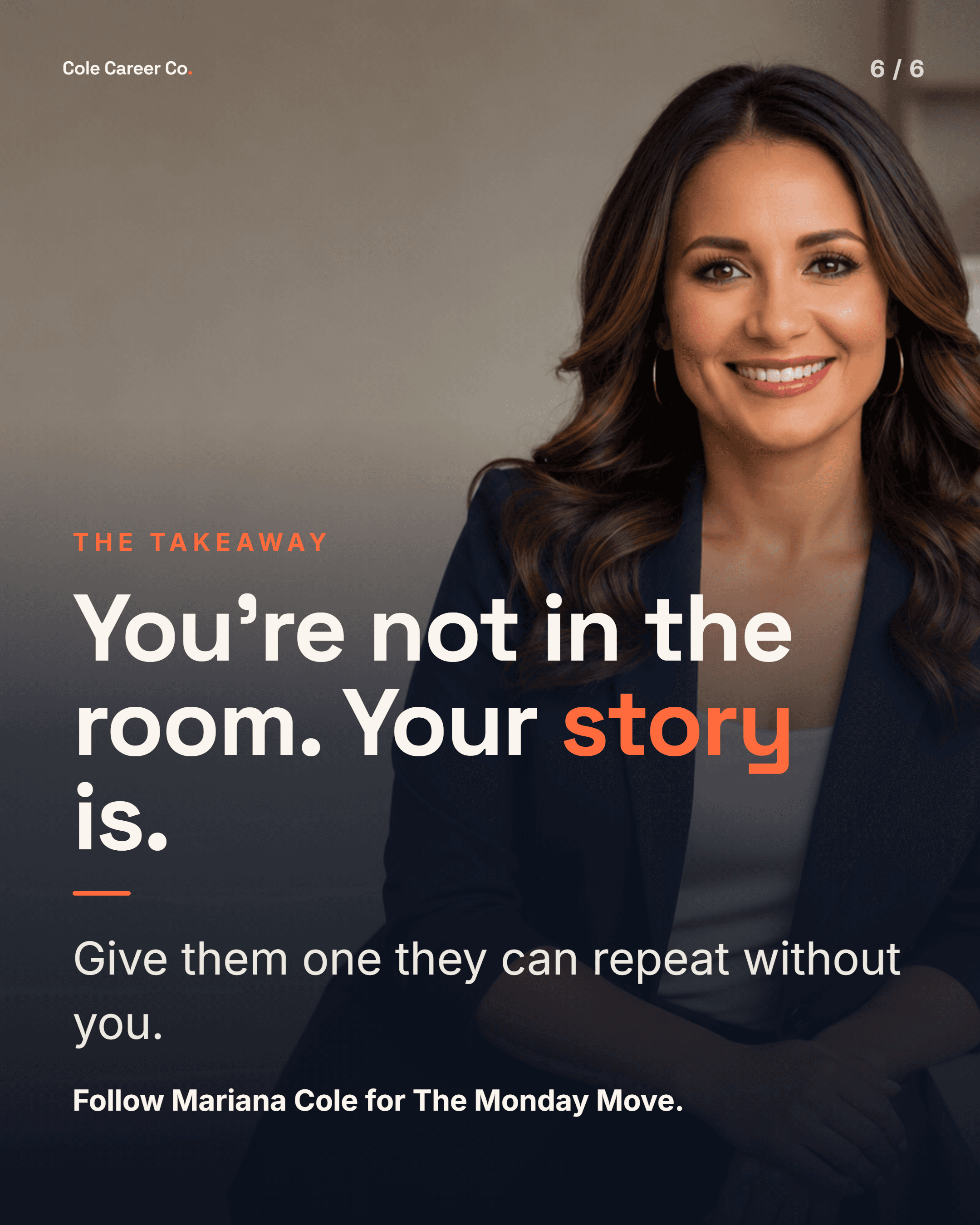
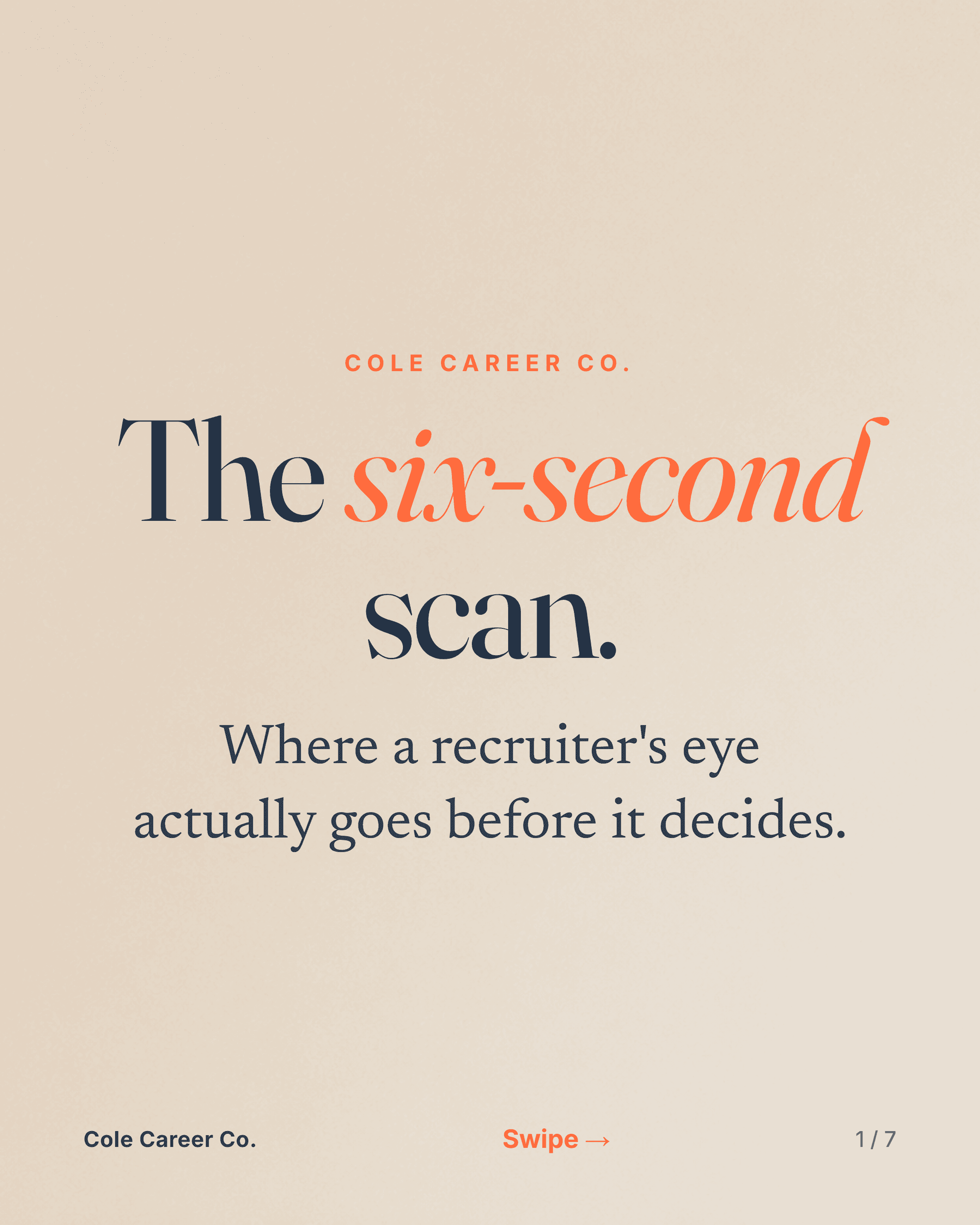
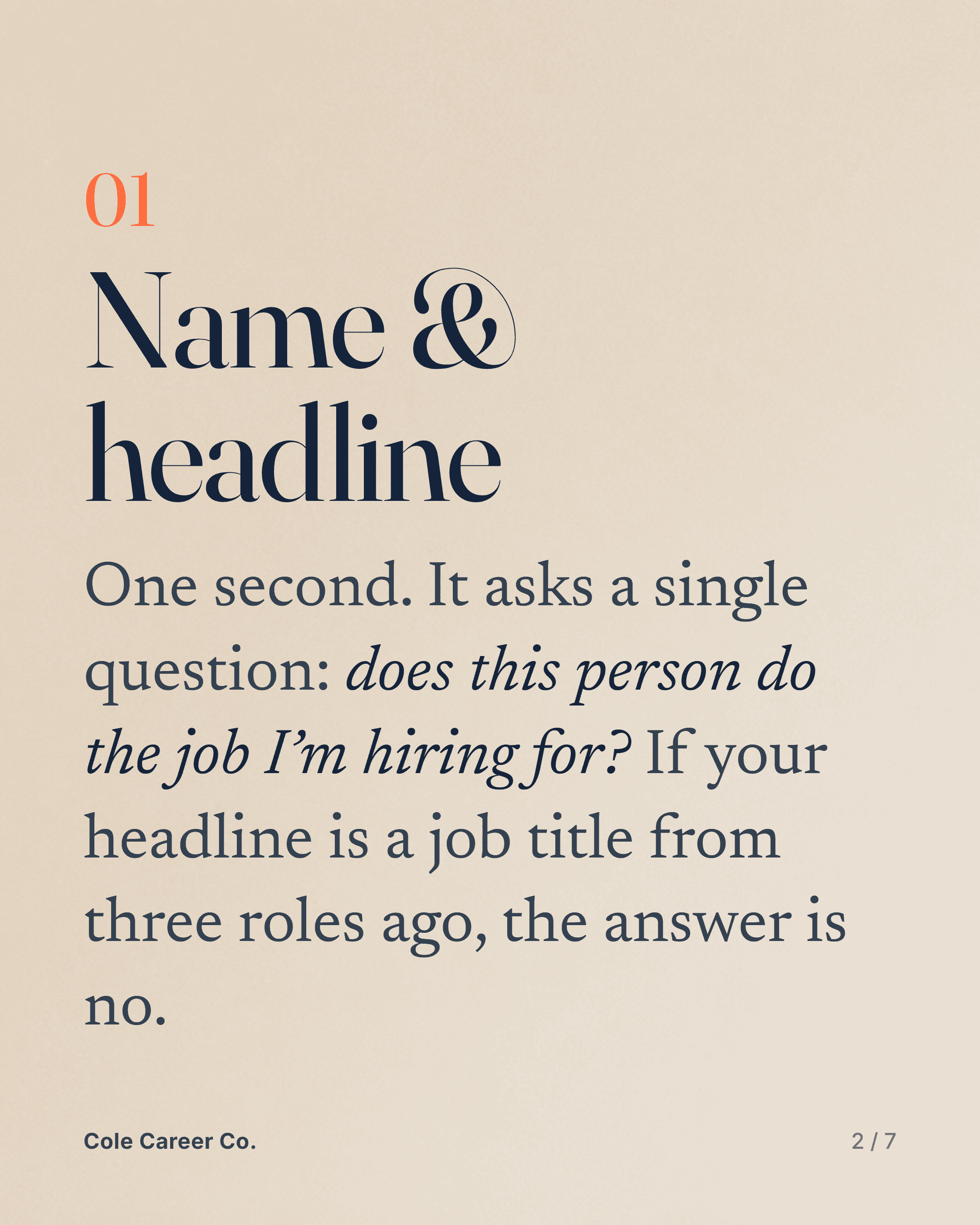
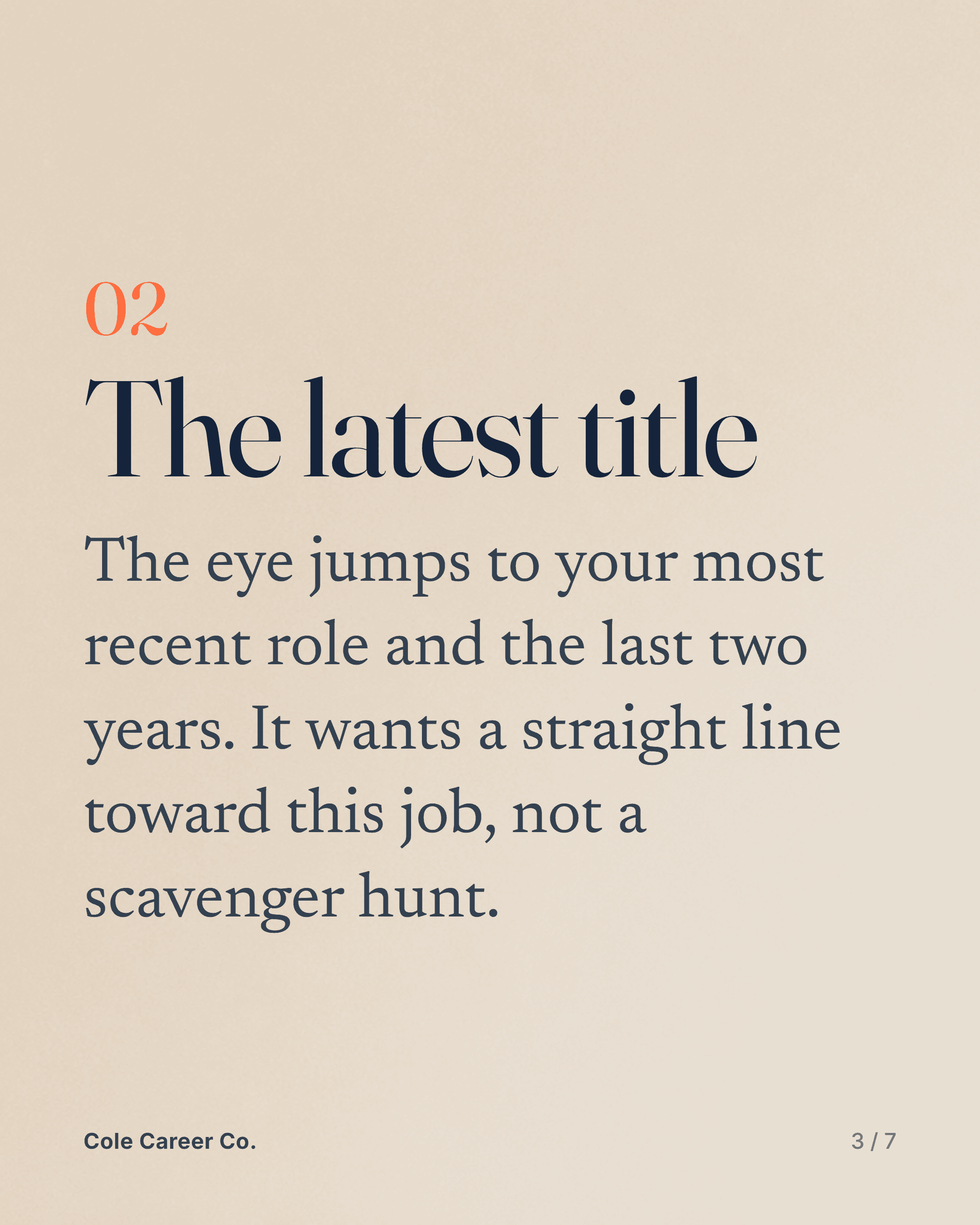
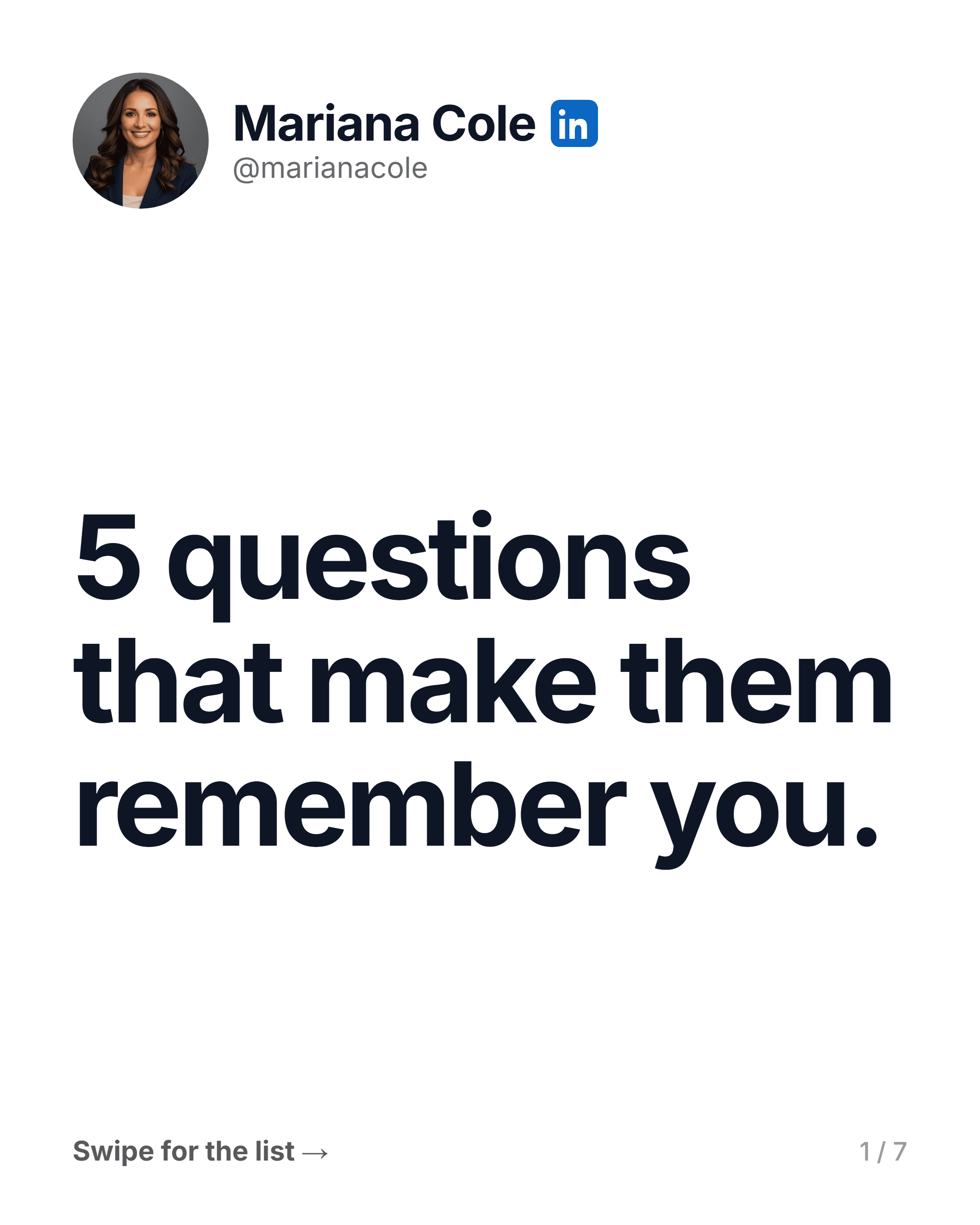
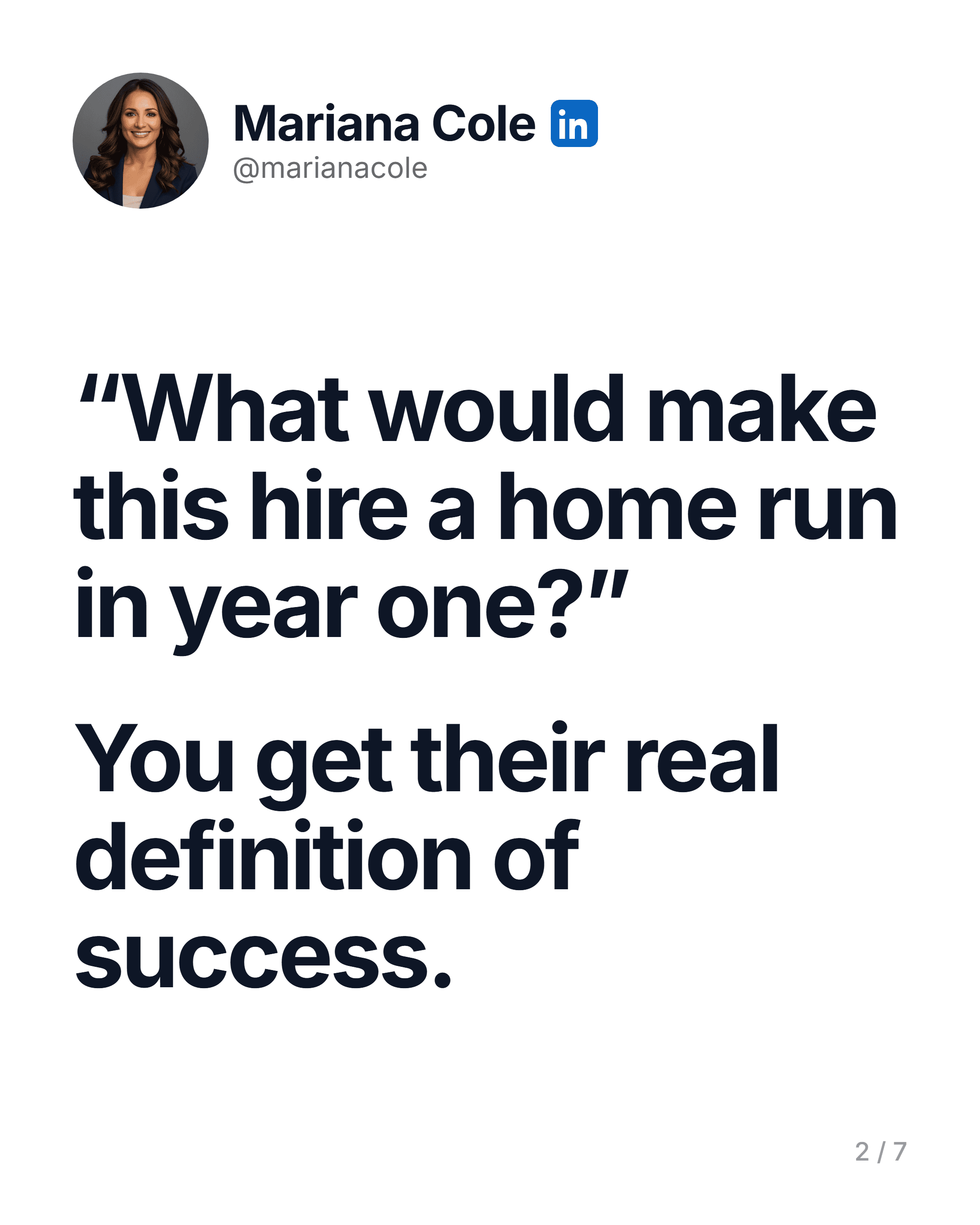
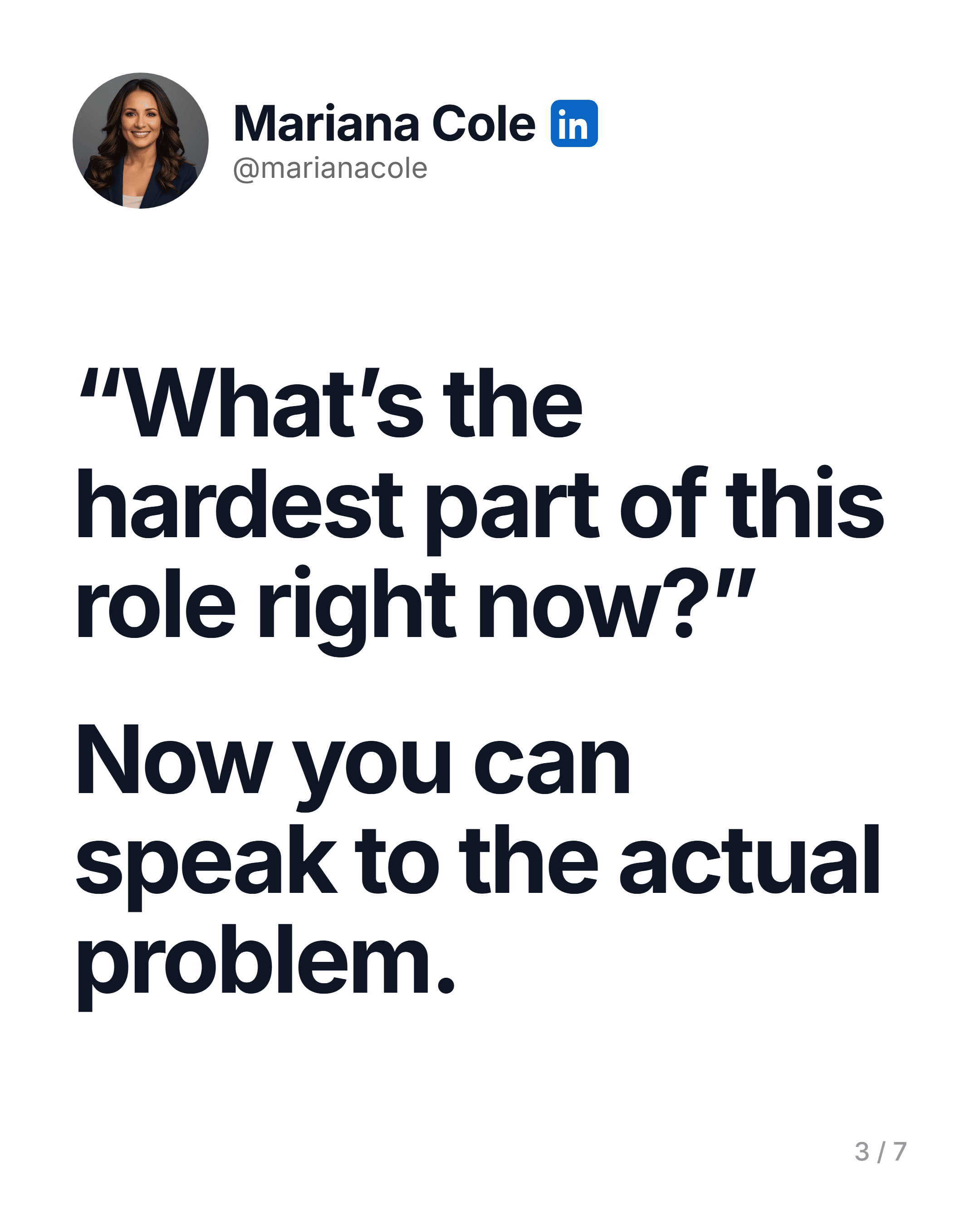
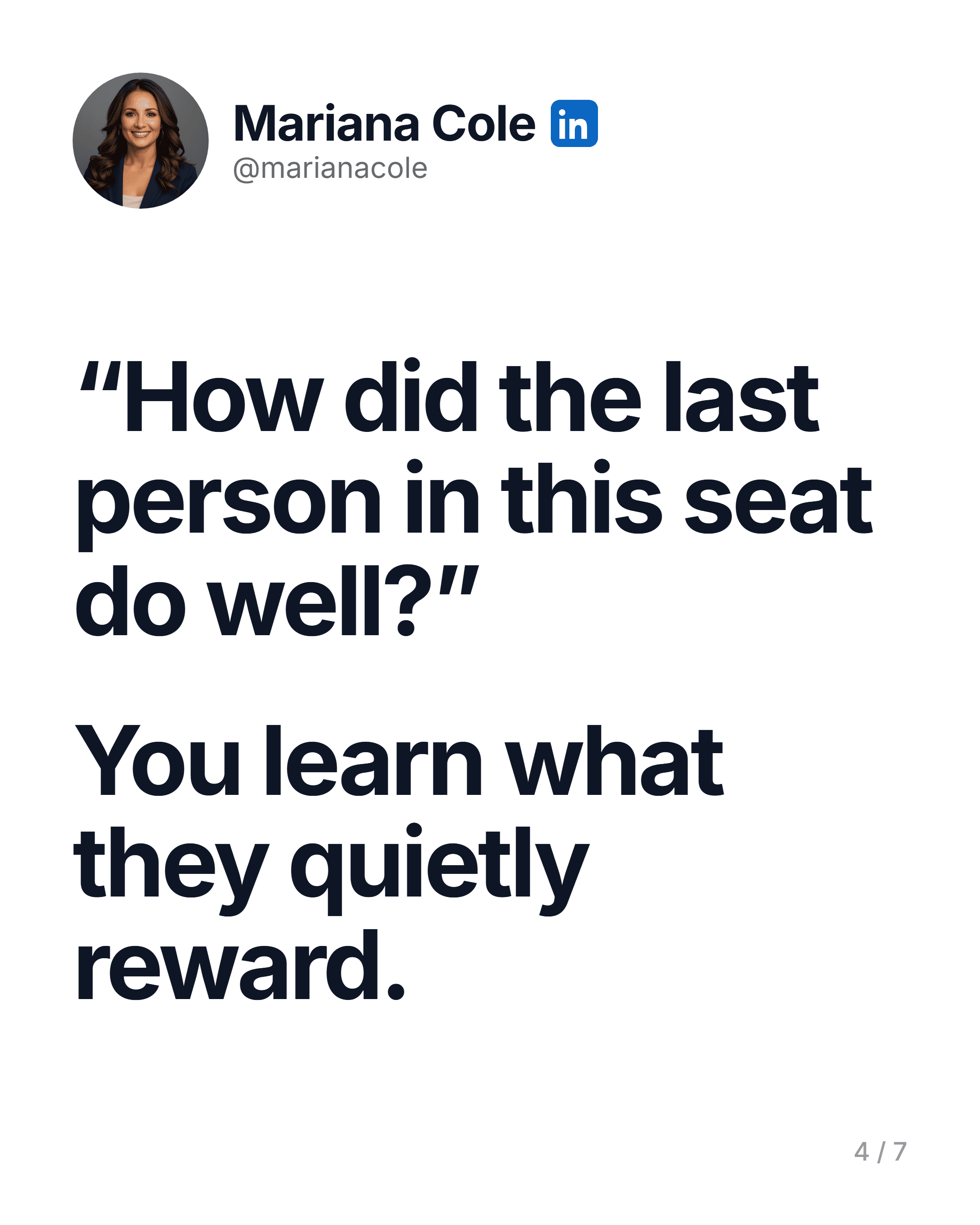
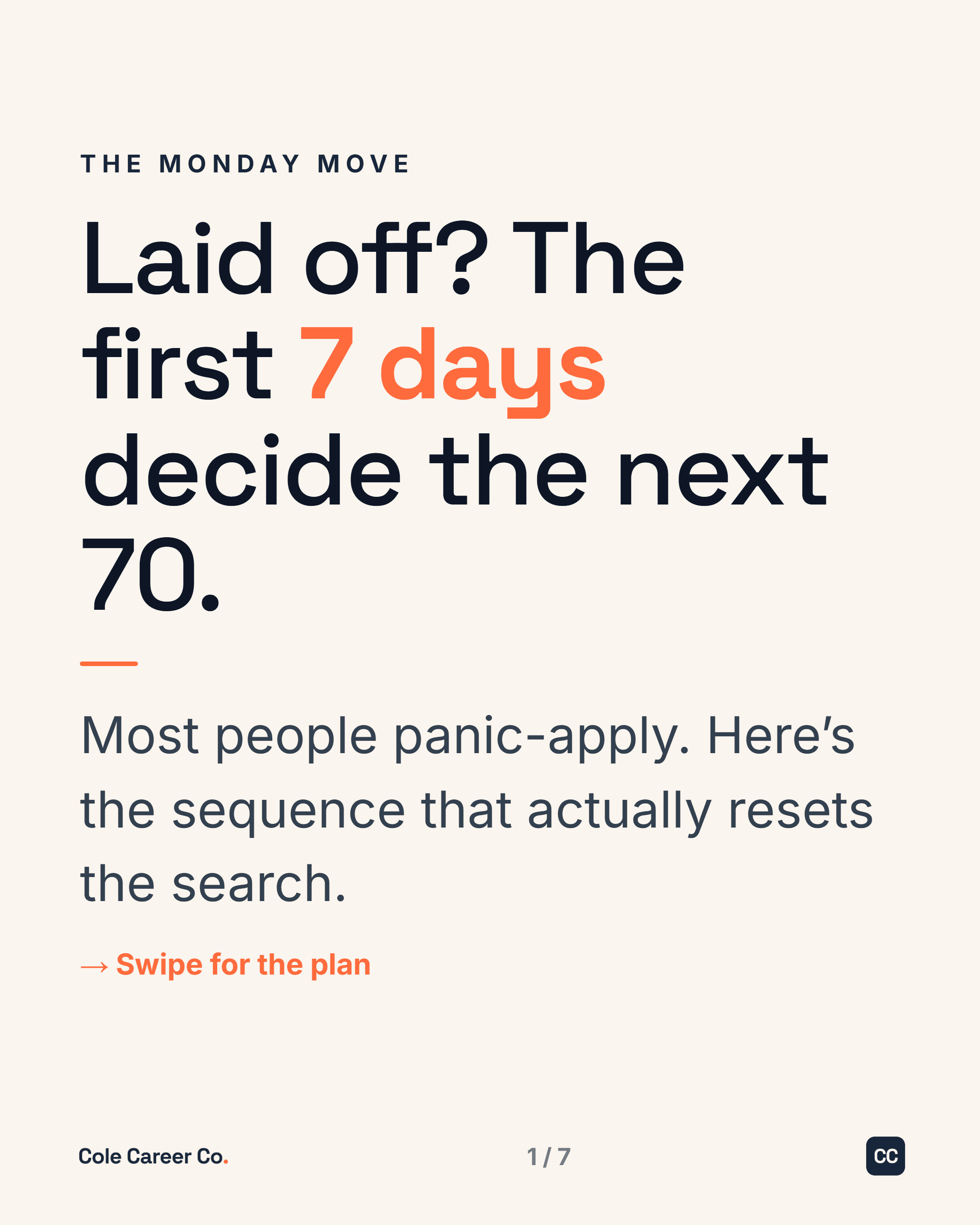
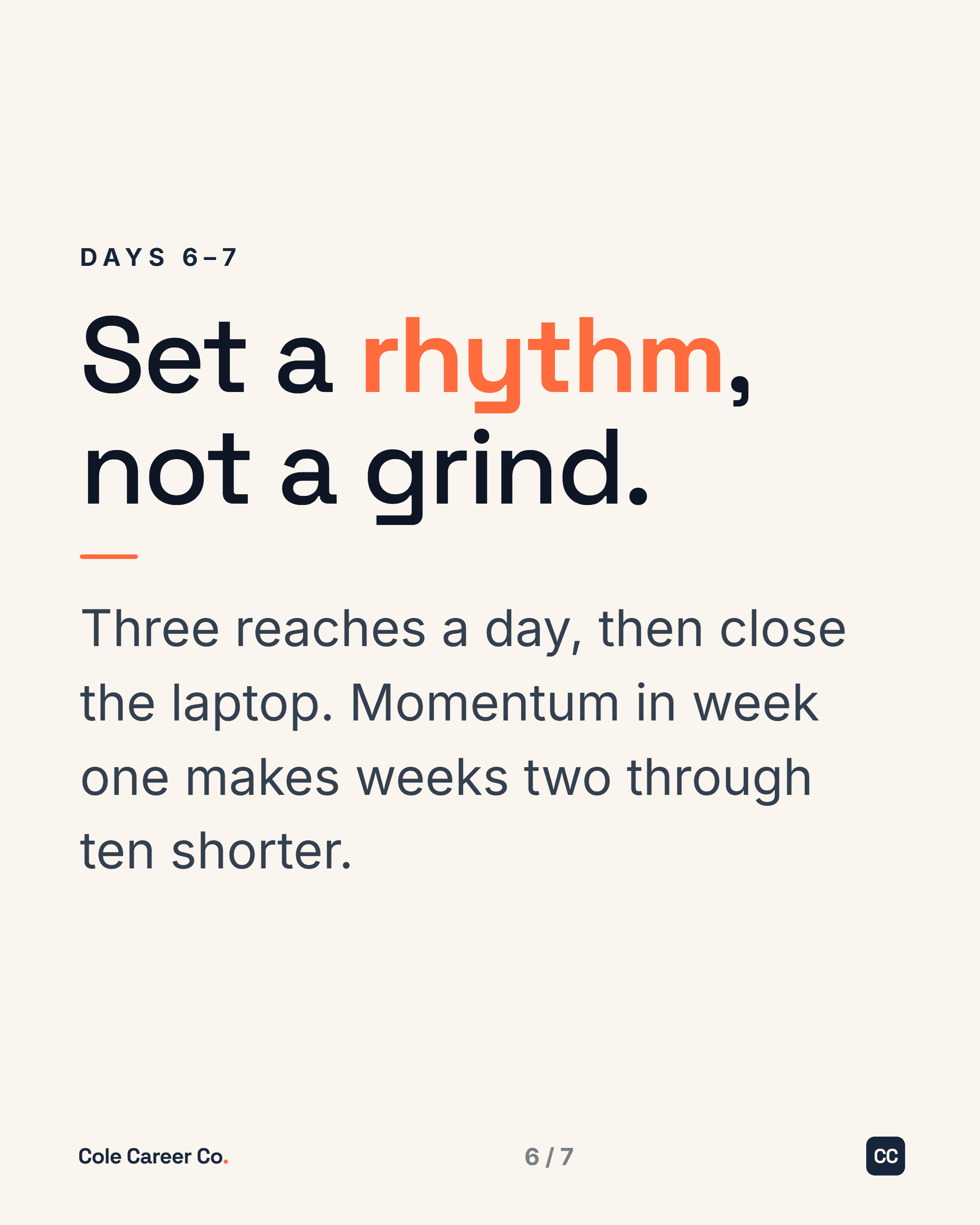
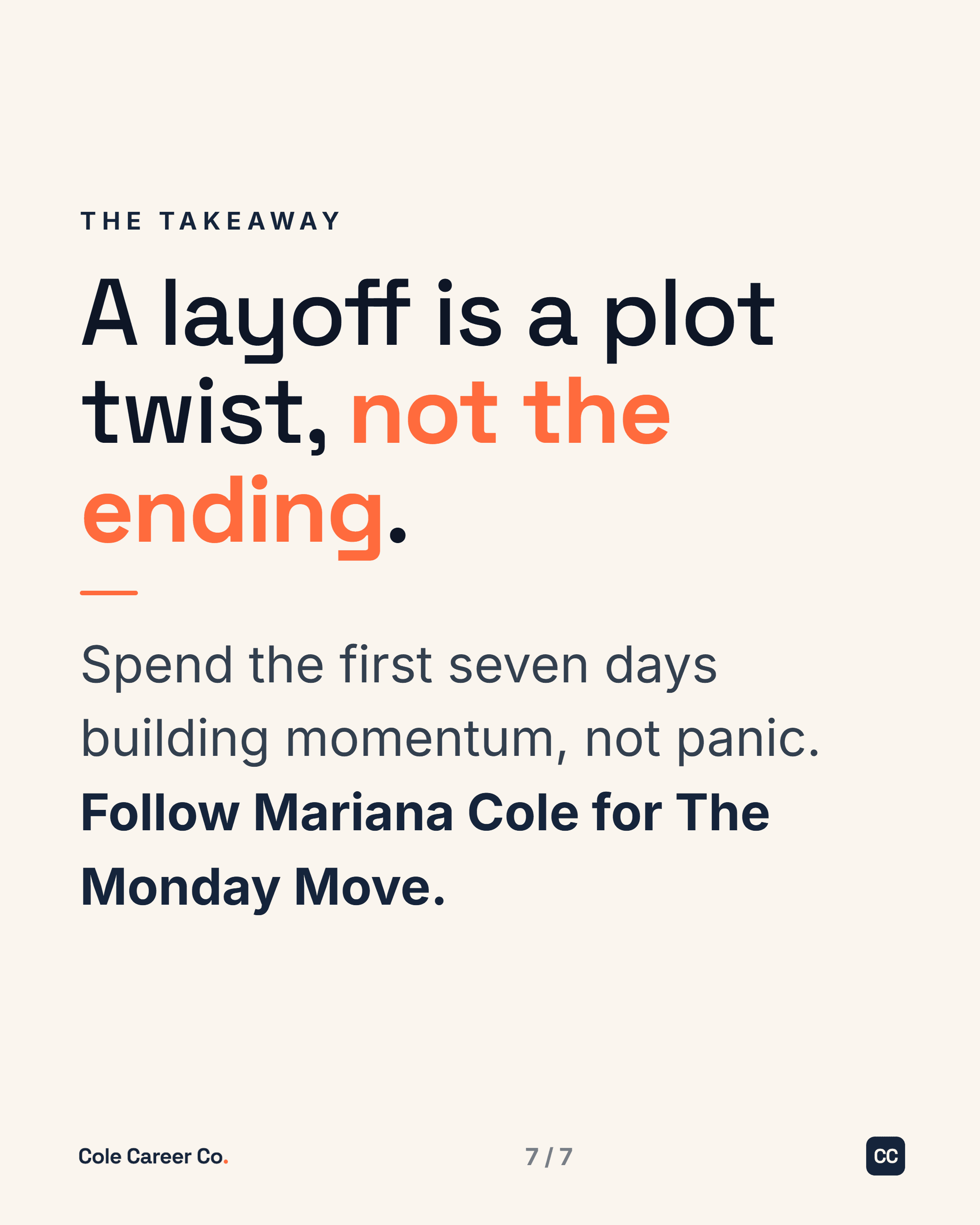
Real carousels and single posts from one client’s live system. Built in her colors, her fonts, her voice. Notice how every piece looks like the same brand made it, because it did.
How to explain a career gap
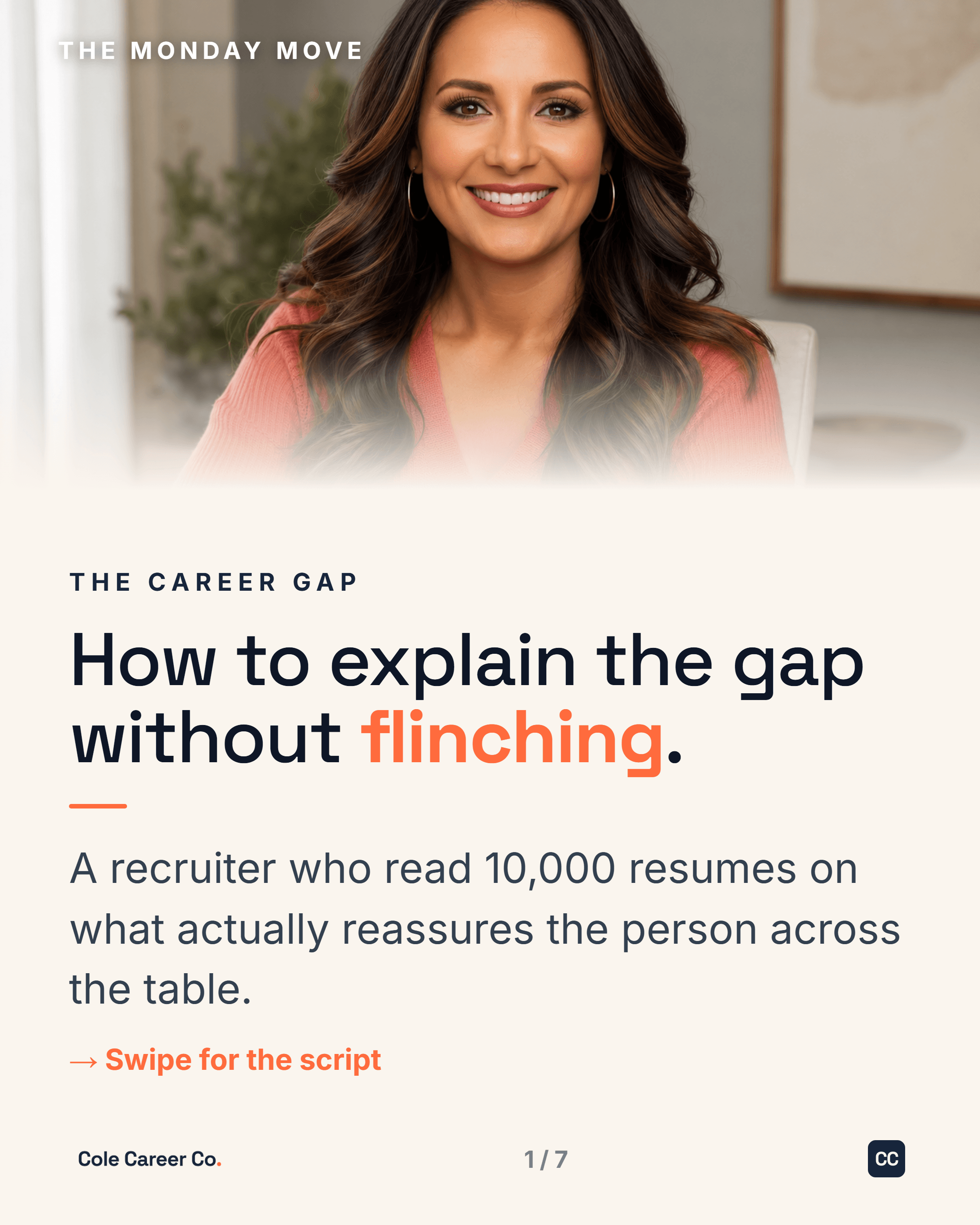
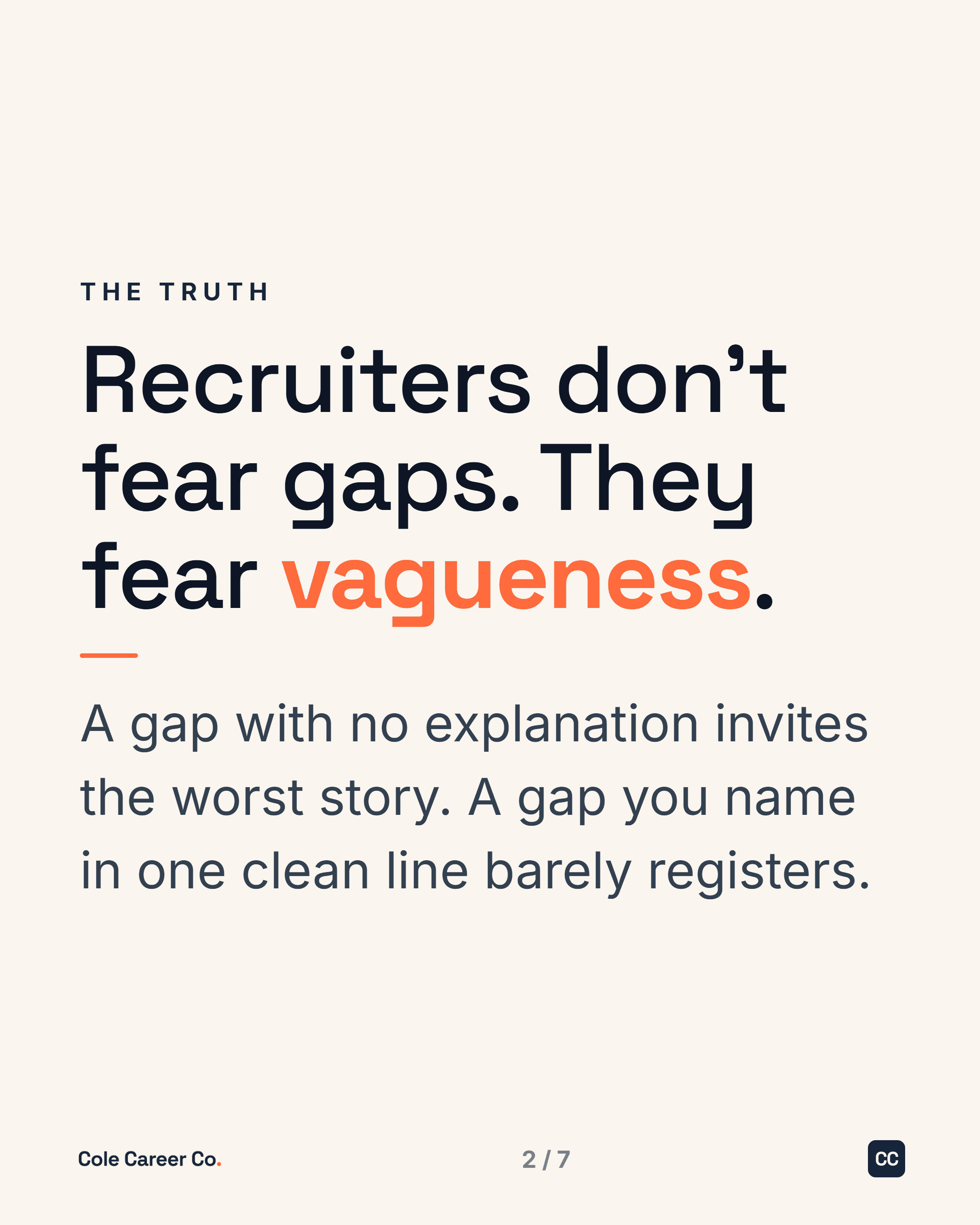
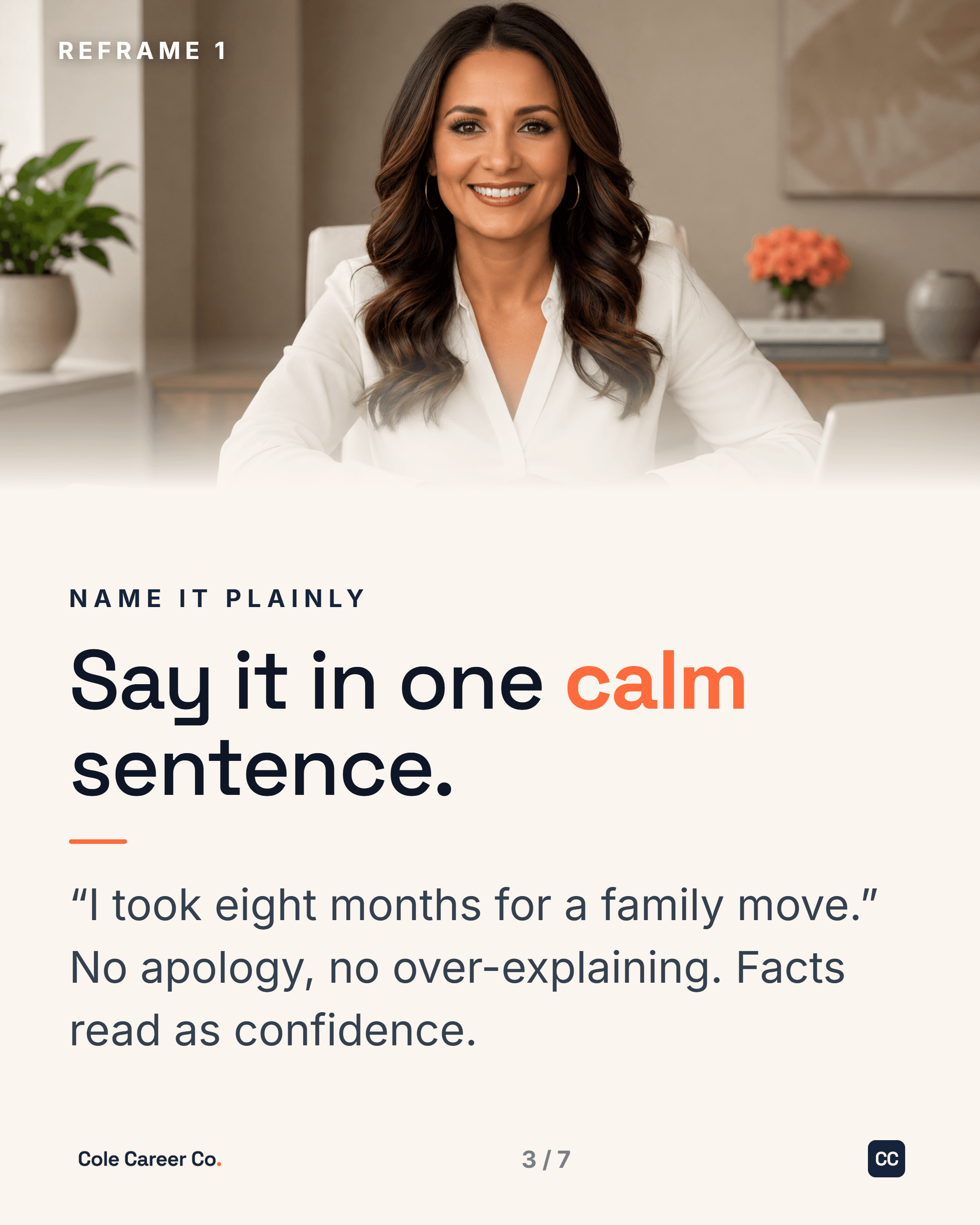
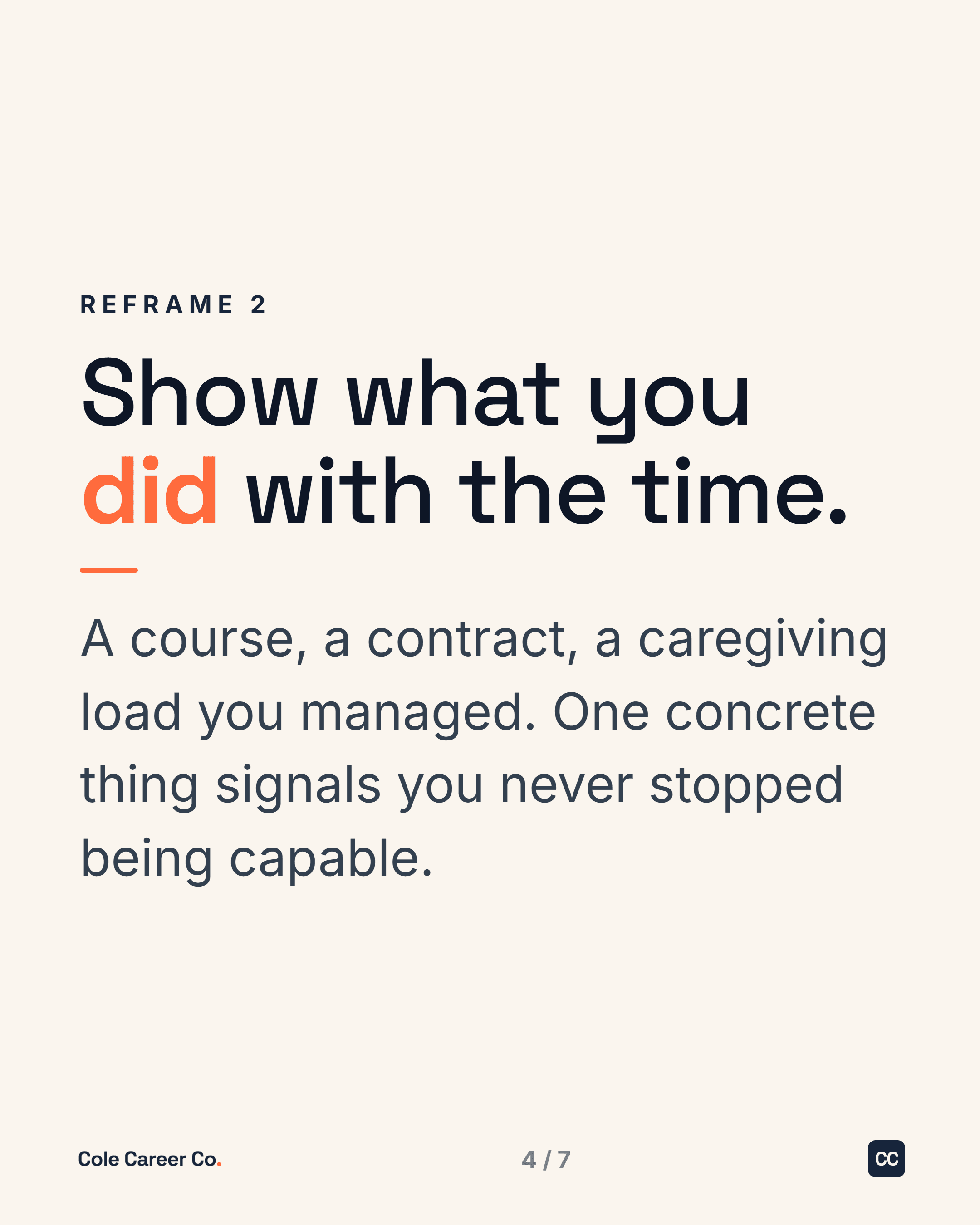
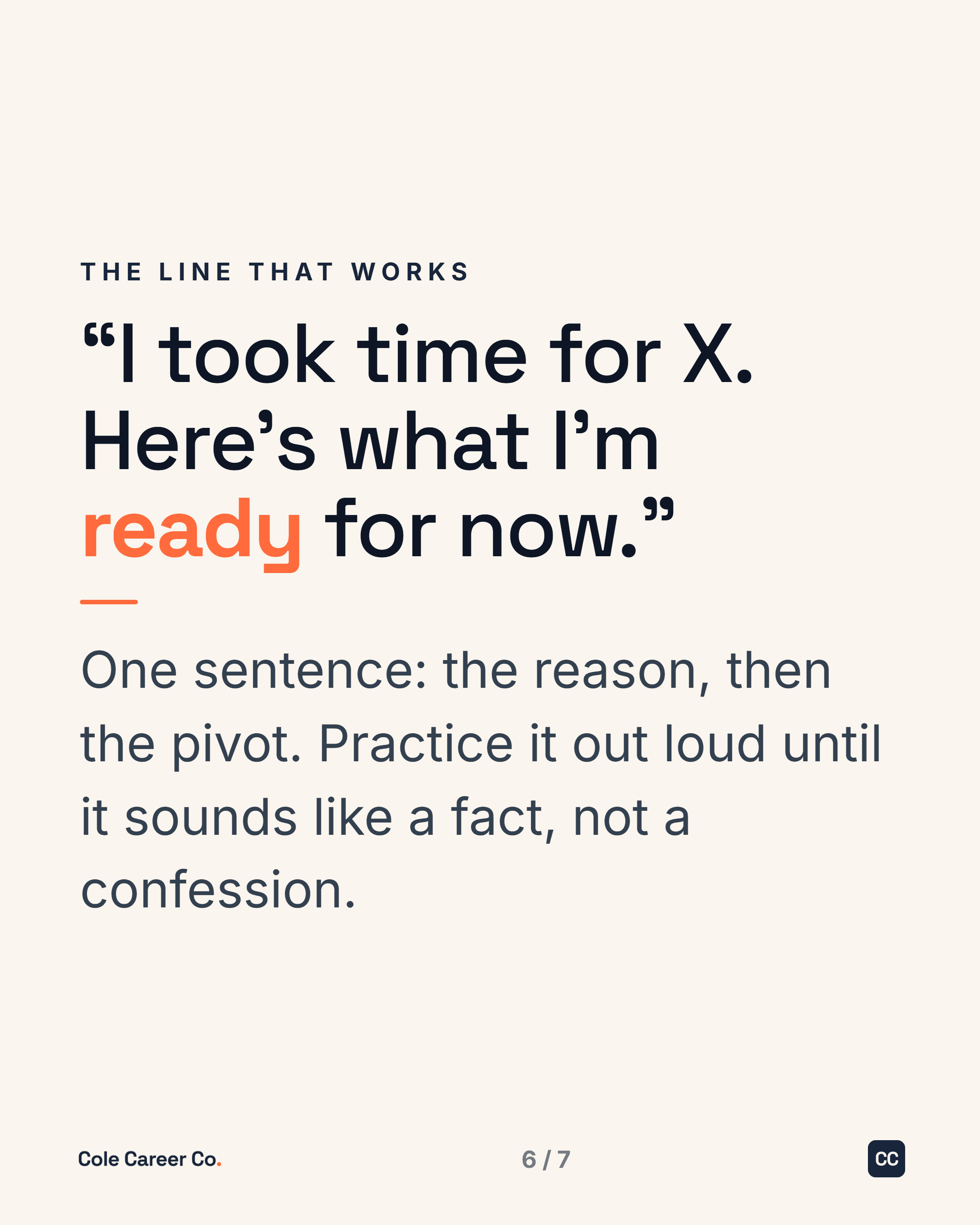
Resume lines that get you screened out
The "tell me about yourself" formula
Inside the hiring debrief

The six-second scan
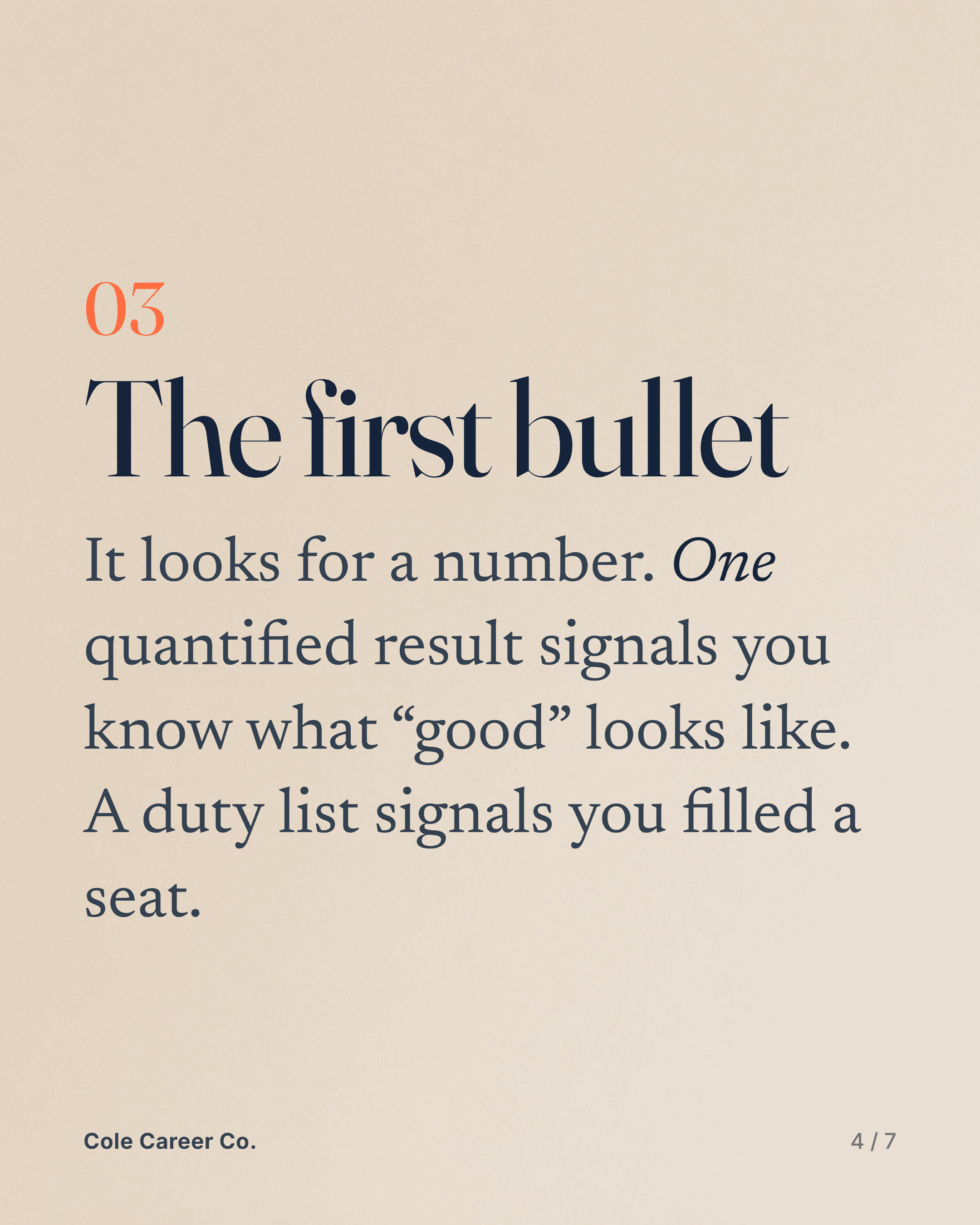
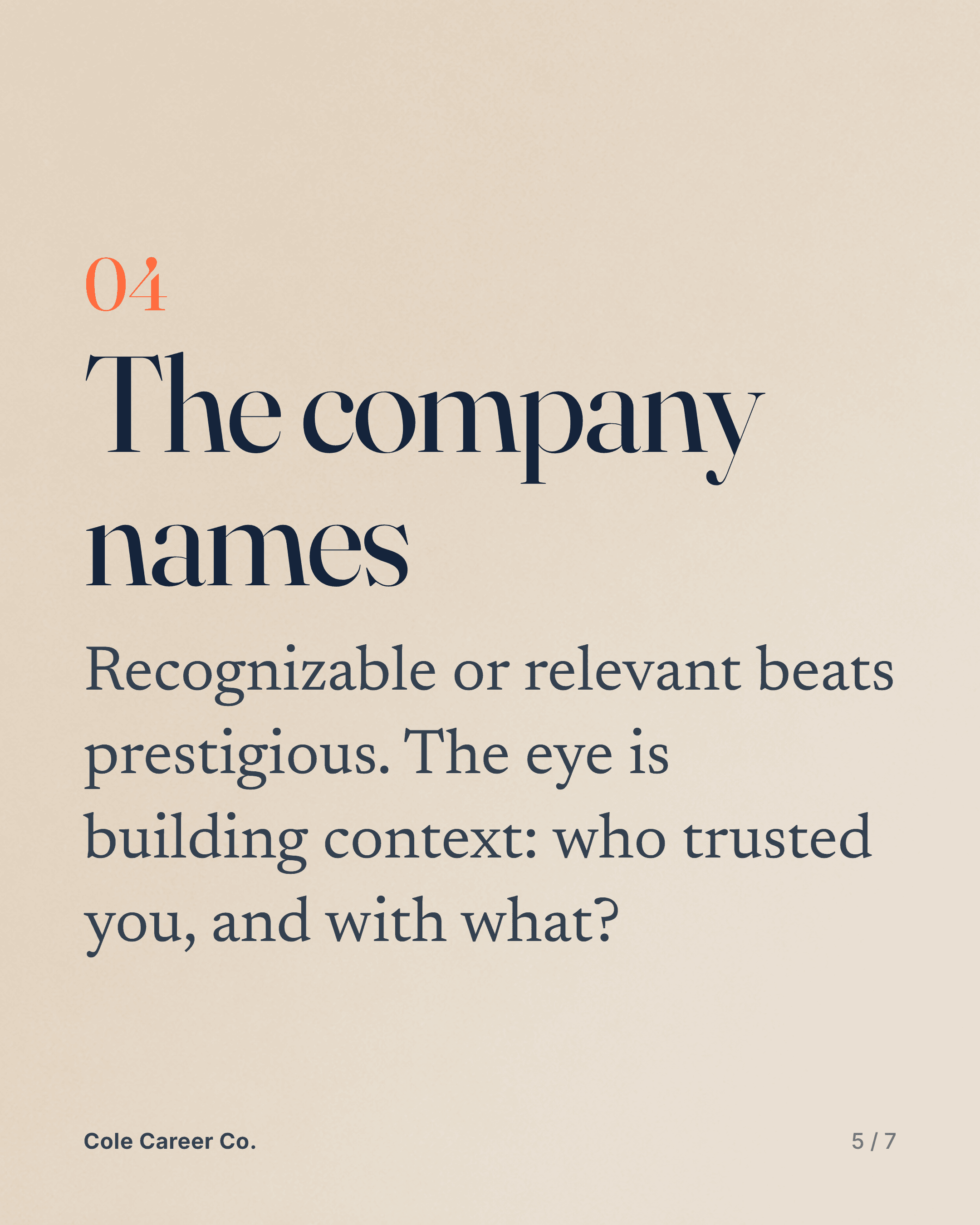
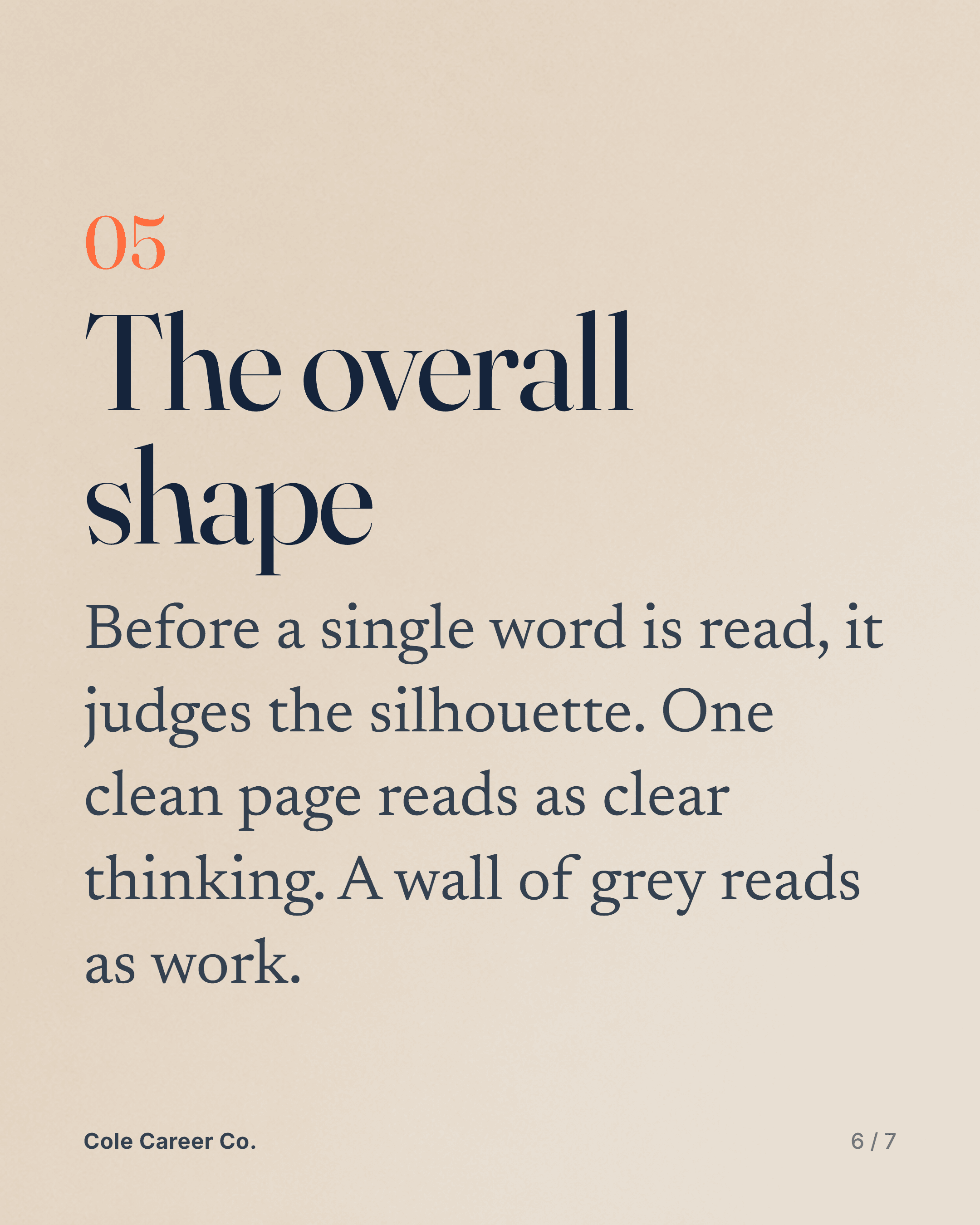
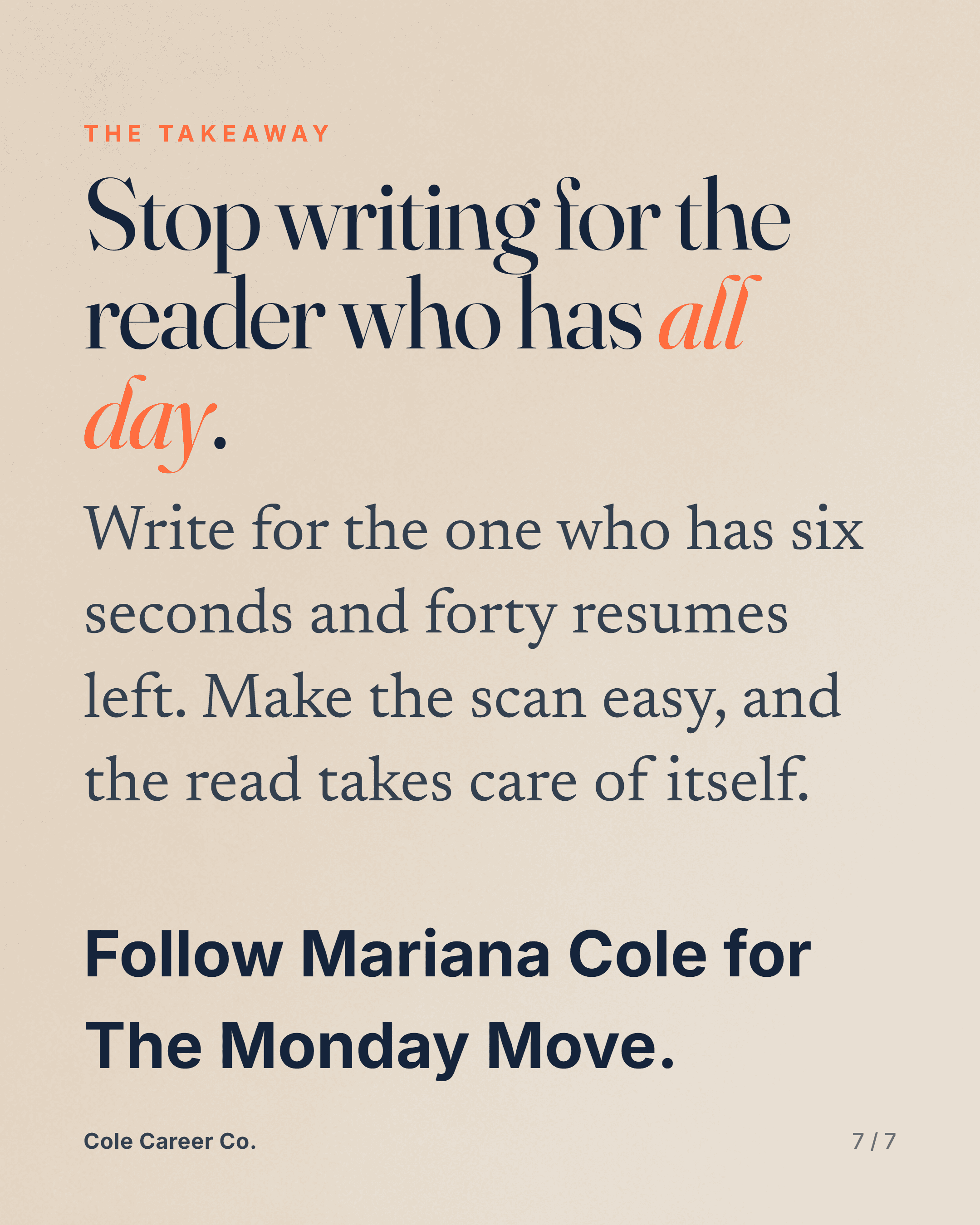
5 questions that make them remember you
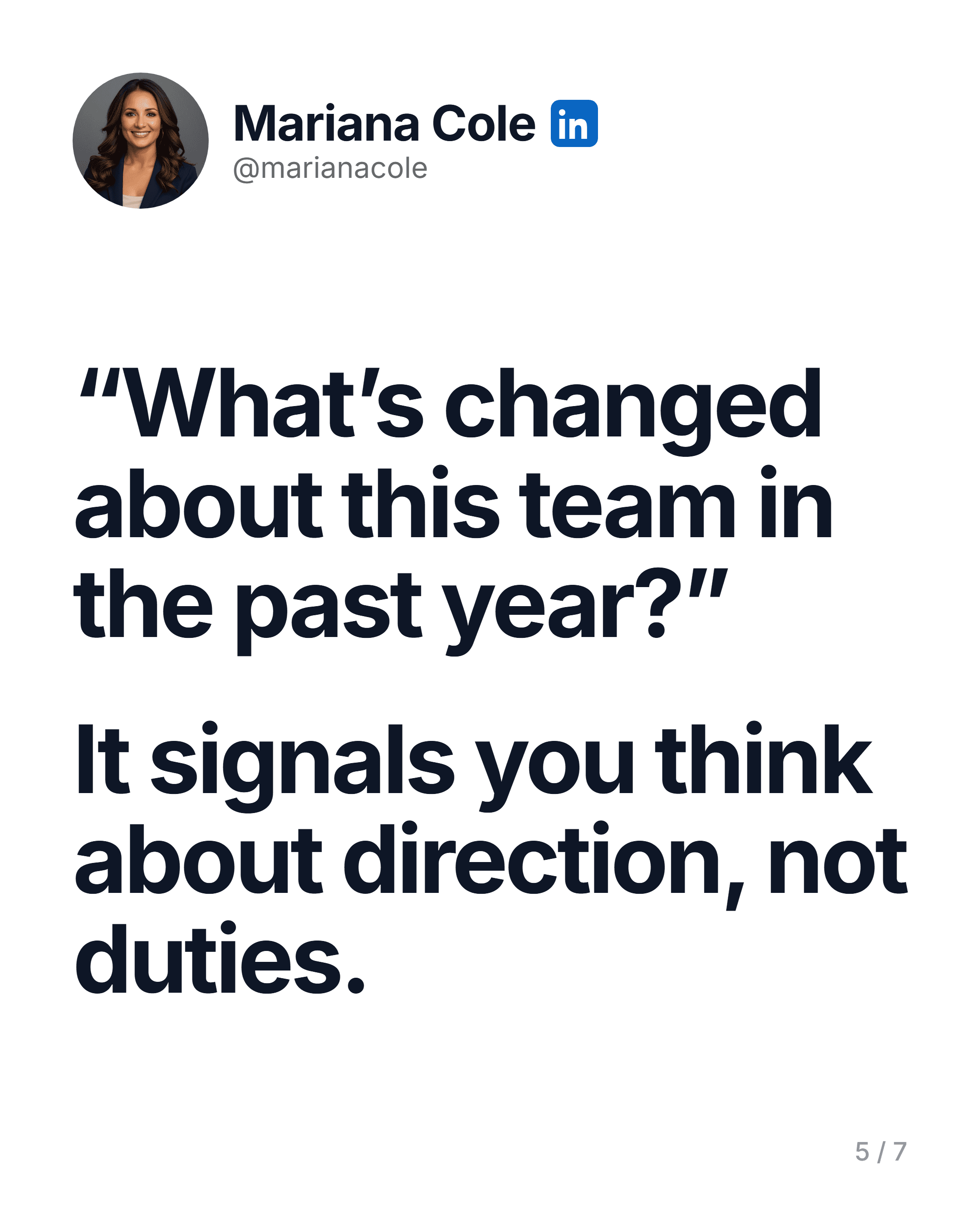
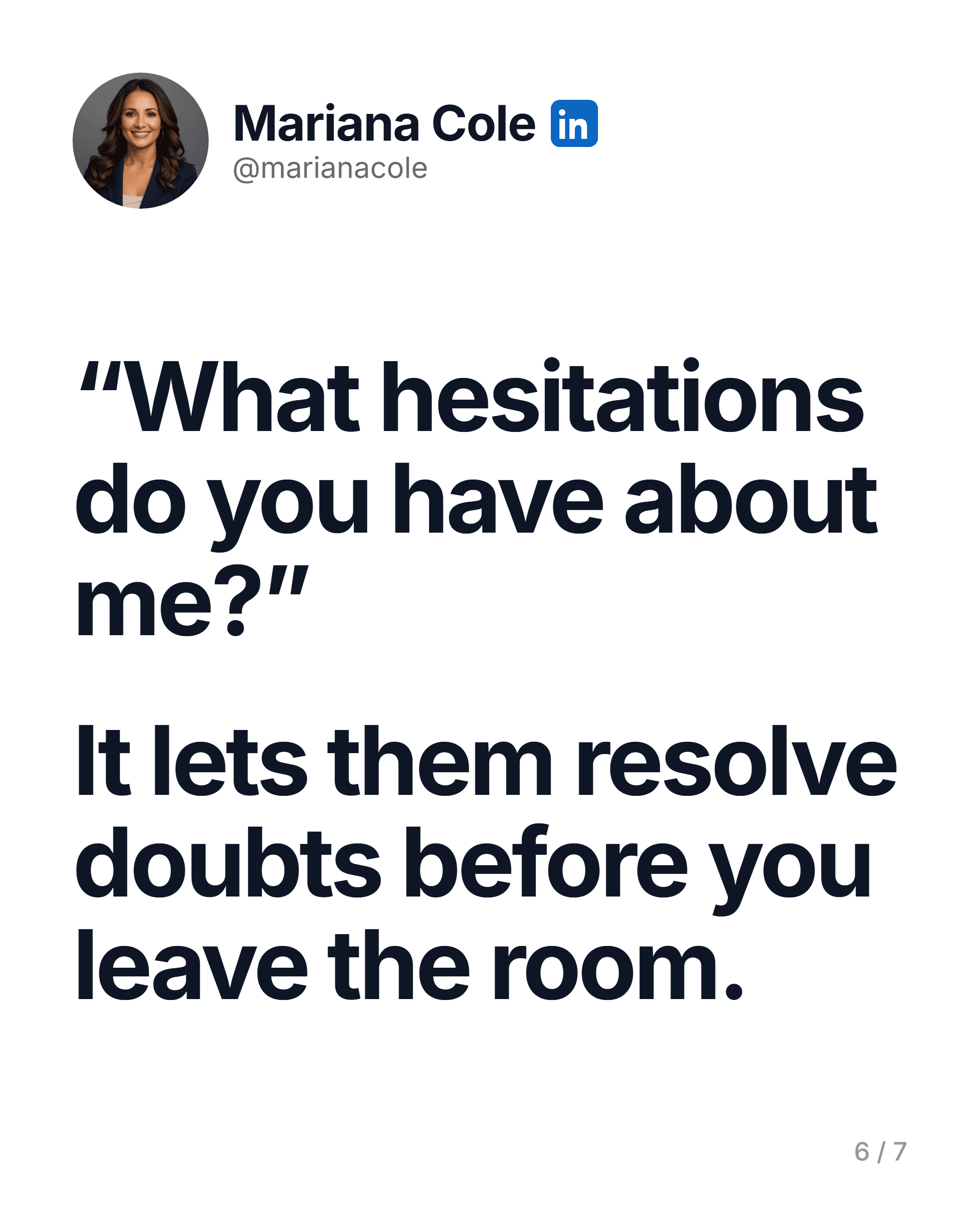
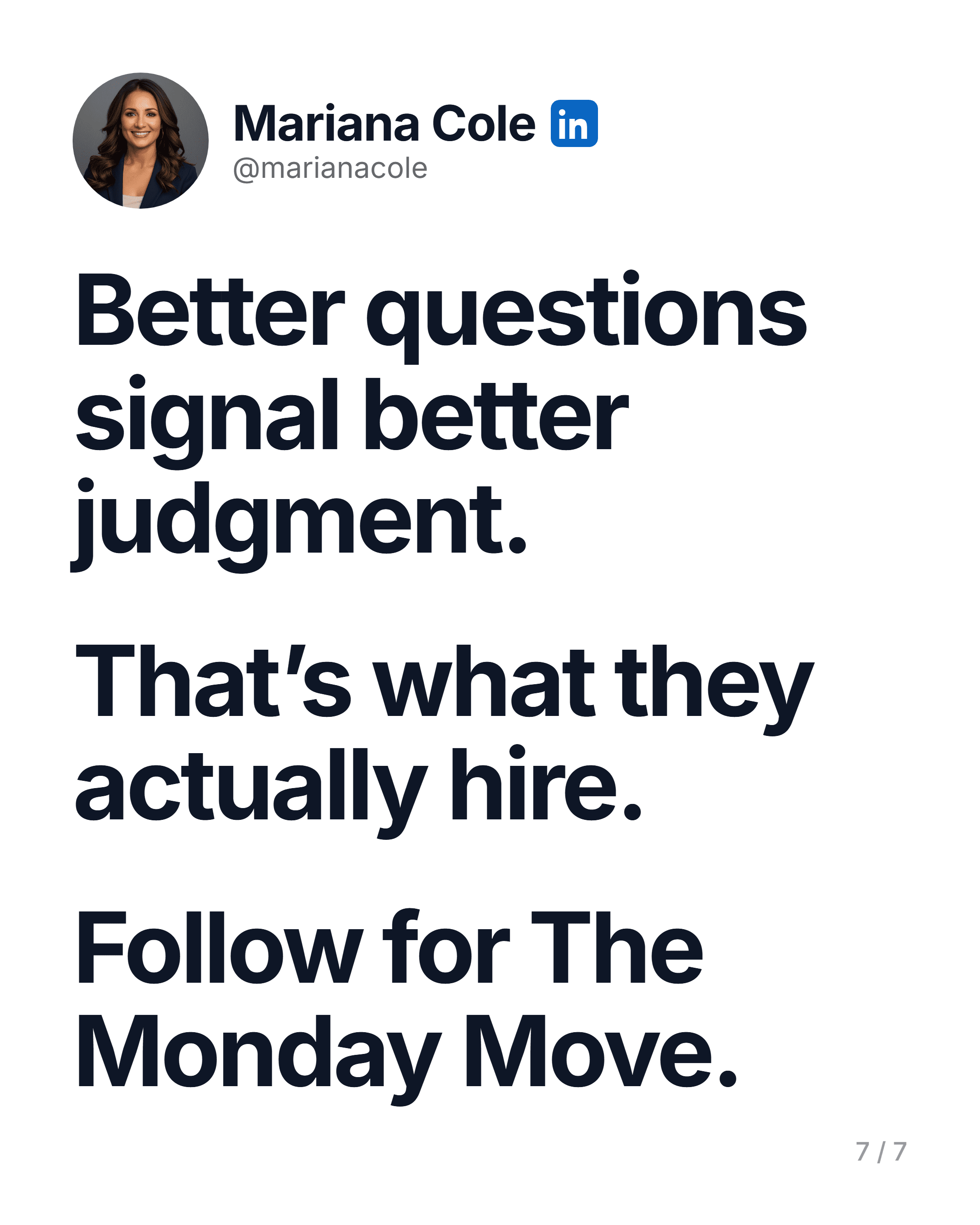
Laid off? The first 7 days
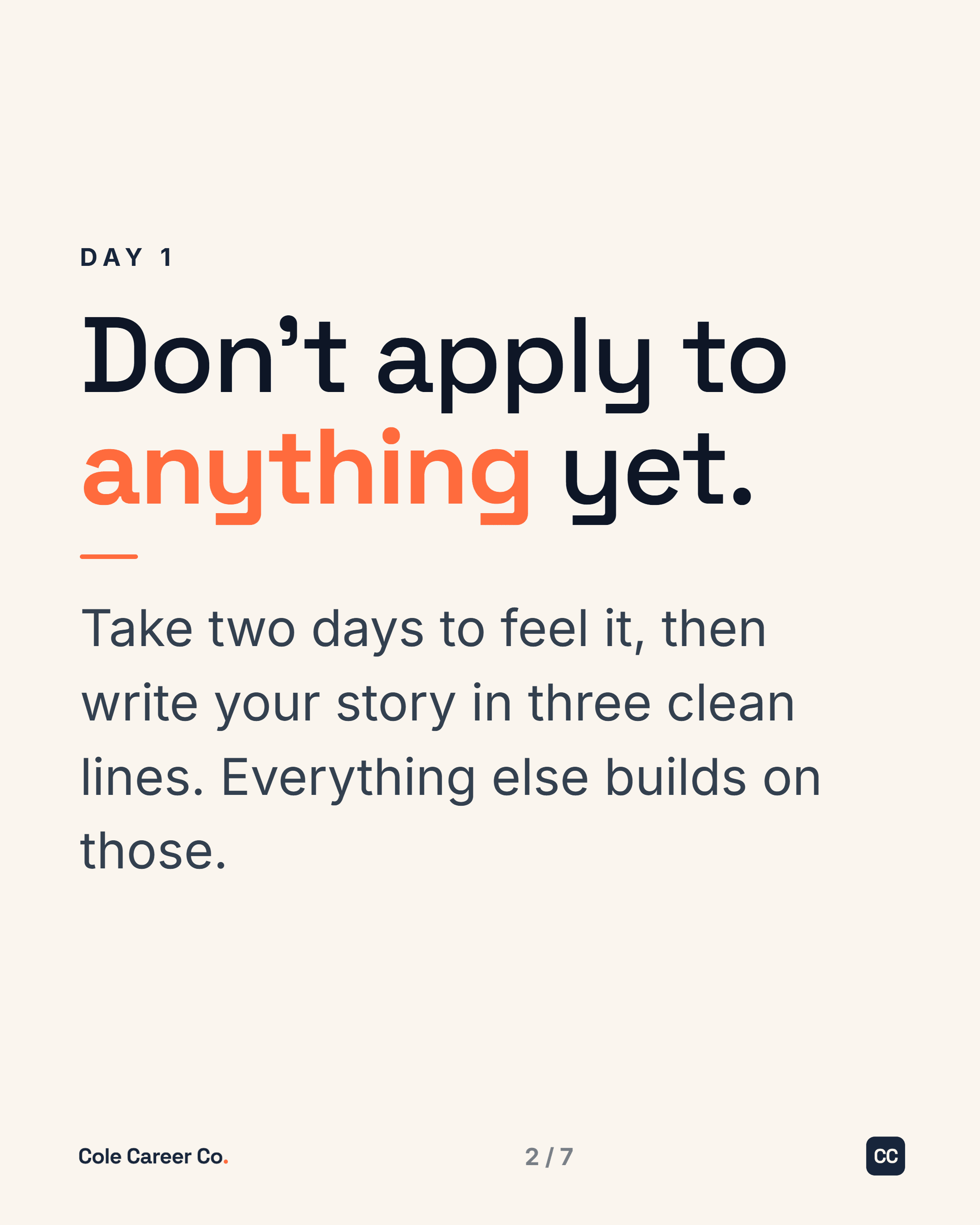
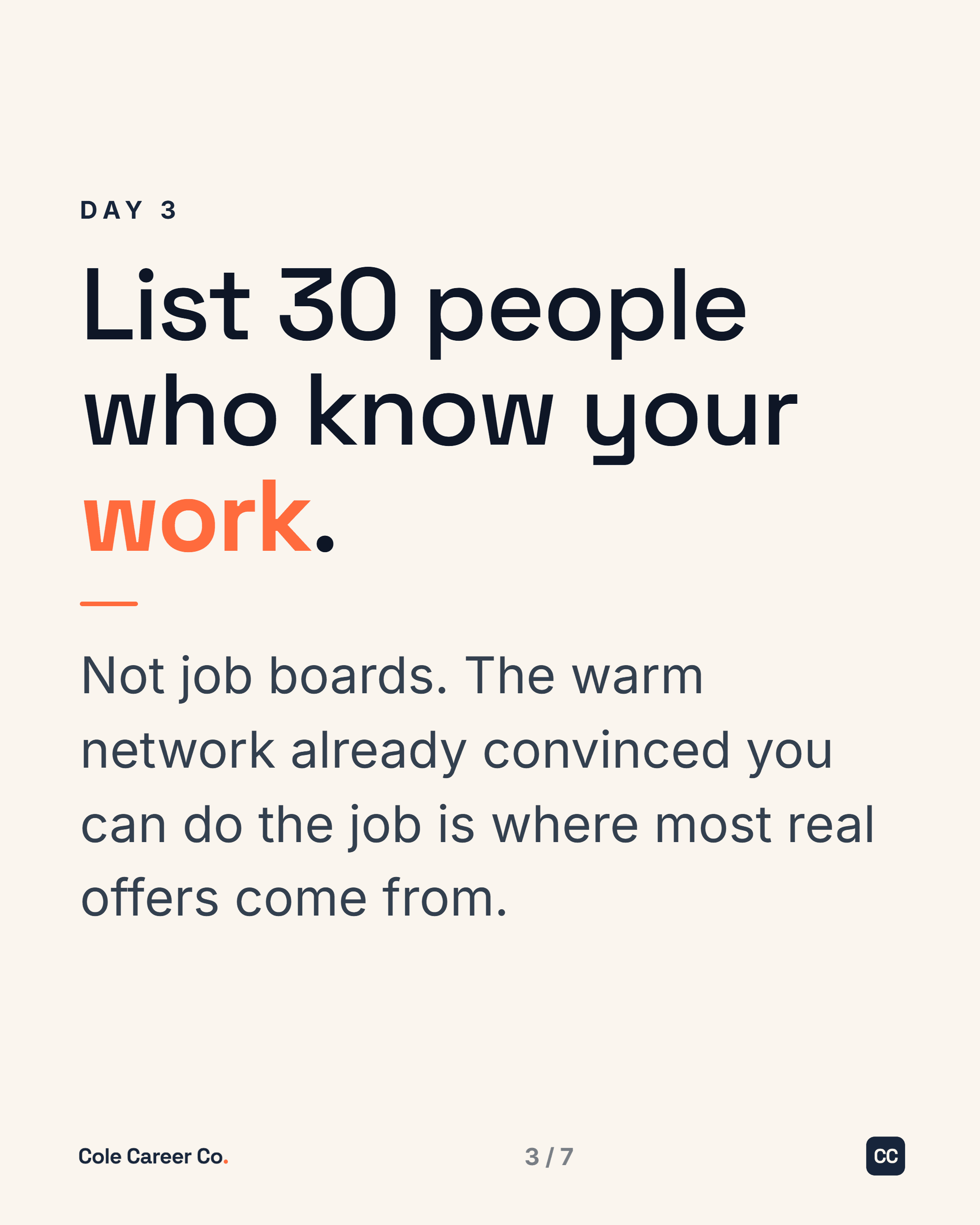
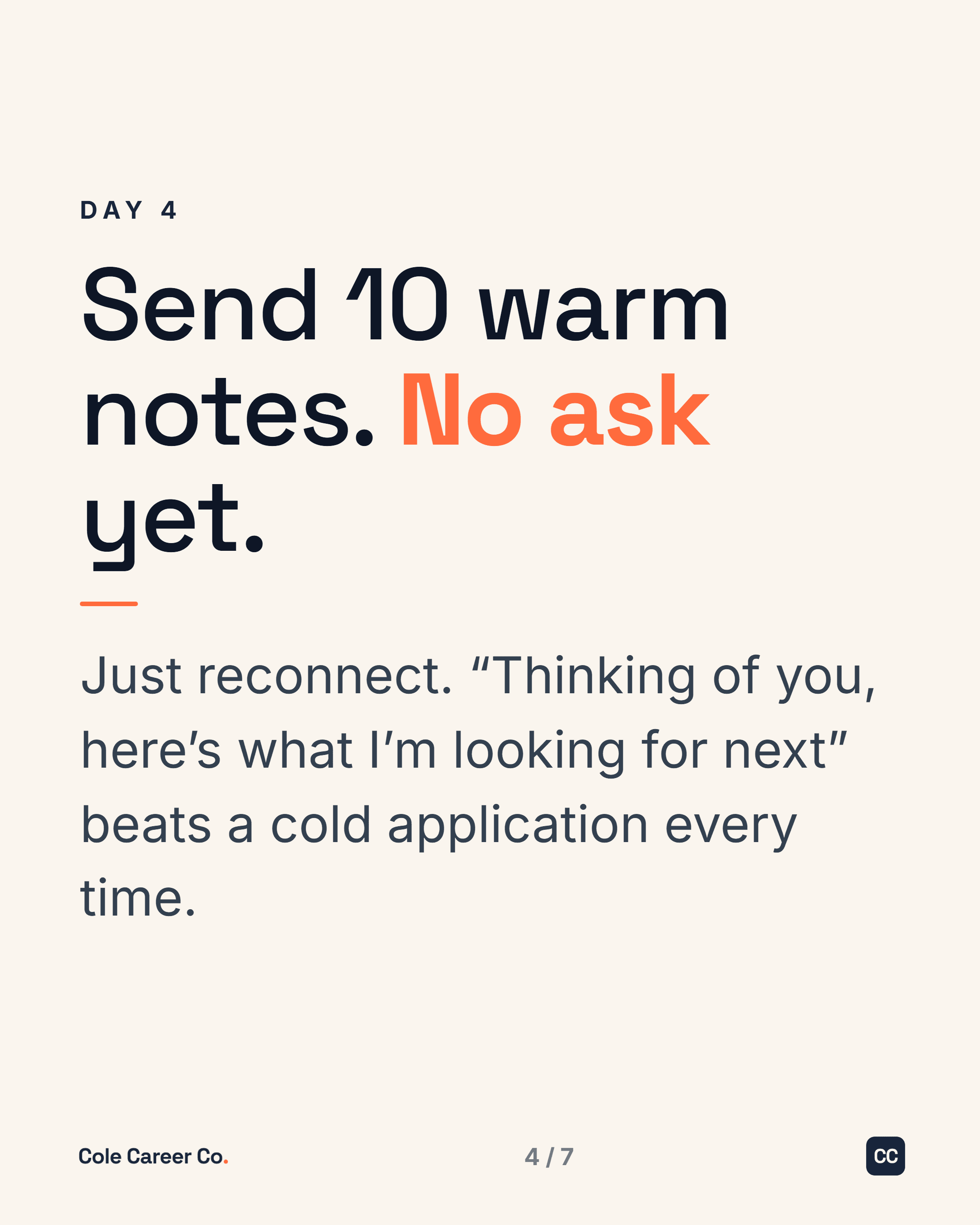
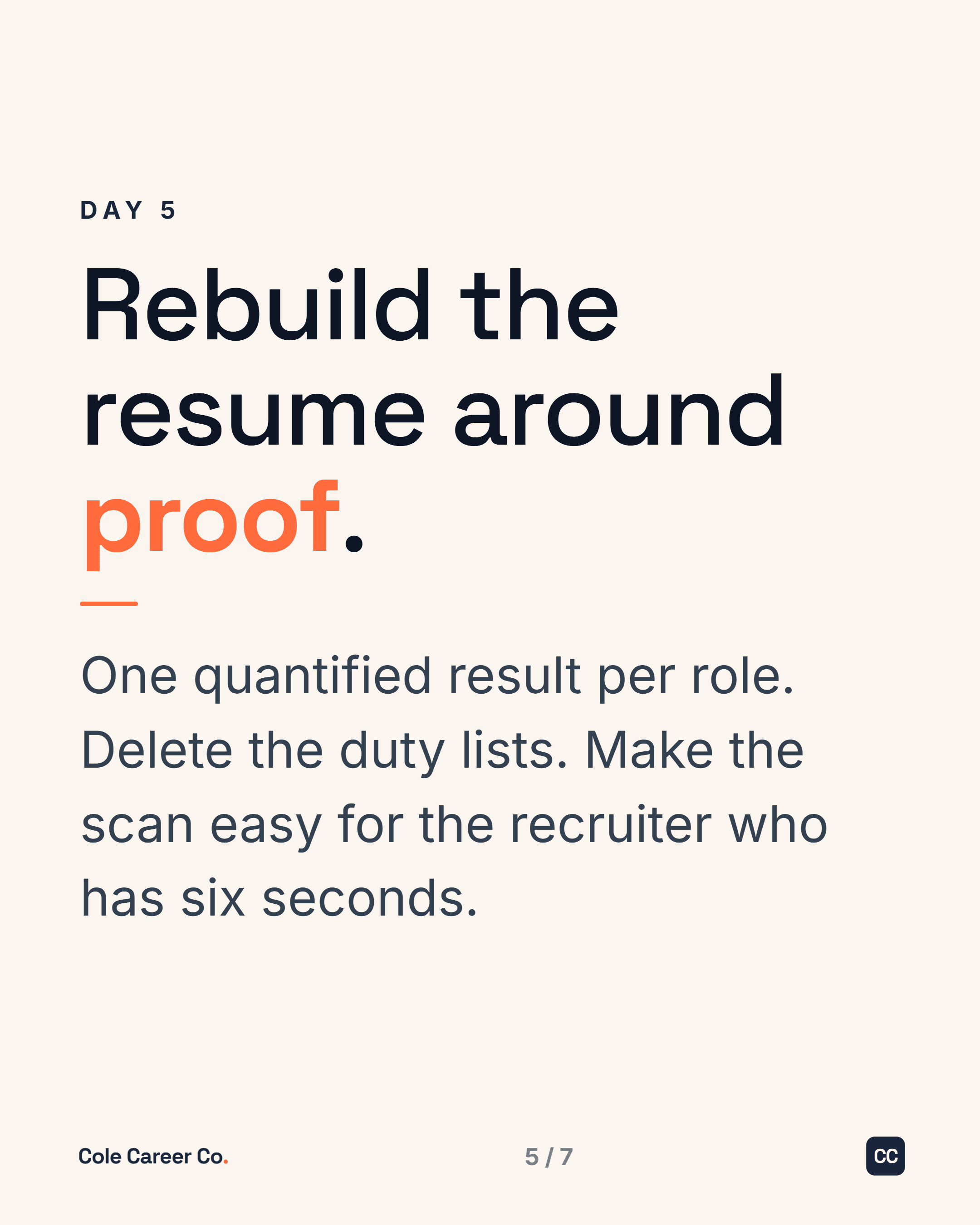
What it actually does
Think of it as a strategist and designer that already knows your brand, not a button that spits out generic posts. Here is what it does with you every week.
Never stuck on what to post
Out of ideas? It generates topics from your own context and your audience, and it can take a post you already wrote and hand it back from a fresh angle. You never start from a blank page.
Your draft, sharpened in minutes
Bring a rough draft. It pressure-tests your hook, tightens the story, and reshapes it in your own voice. It can even reverse-engineer posts that already perform, so yours borrows what makes them work. Rough idea to finished post in minutes.
Designed to look like you
Finished carousels, single posts, and covers come out in your colors, your fonts, your brand. Polished, consistent, and unmistakably yours, with no design tool to open.
Learns from what actually worked
At the end of the week or month, hand it your LinkedIn analytics export. It reads what performed and what fell flat, then builds next week’s plan around the posts that earned attention.
Your brand lives in a folder on your machine
Before it writes a word, the system reads your files. Not a login to someone else’s app, just plain folders on your own computer that it studies so it can sound and look like you.
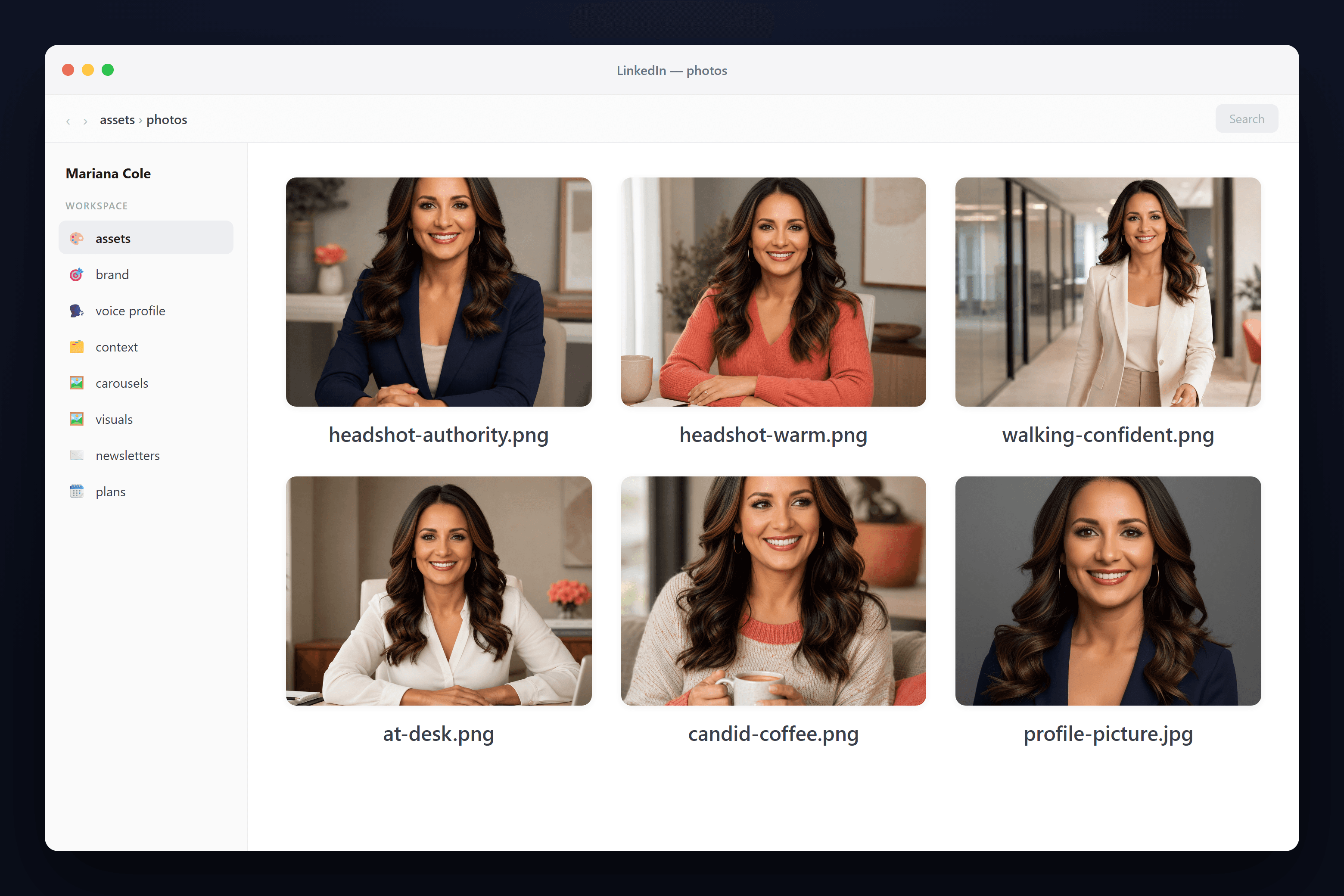
Your photos
Real pictures of you, so posts can feature your actual face instead of a stock avatar or a generic AI person.
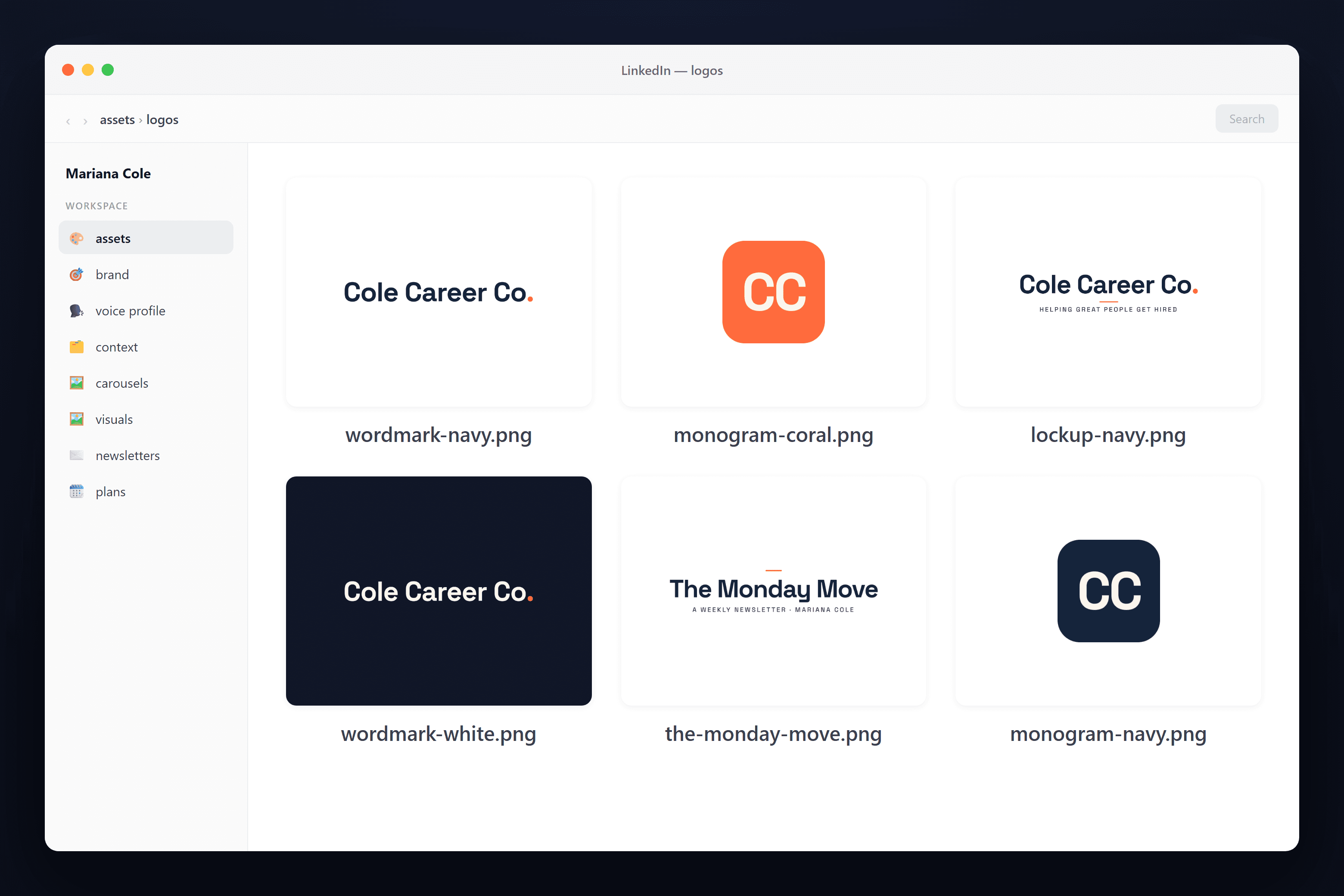
Your logos
Every wordmark, monogram, and lockup, dropped onto covers in the right color without you touching a design tool.
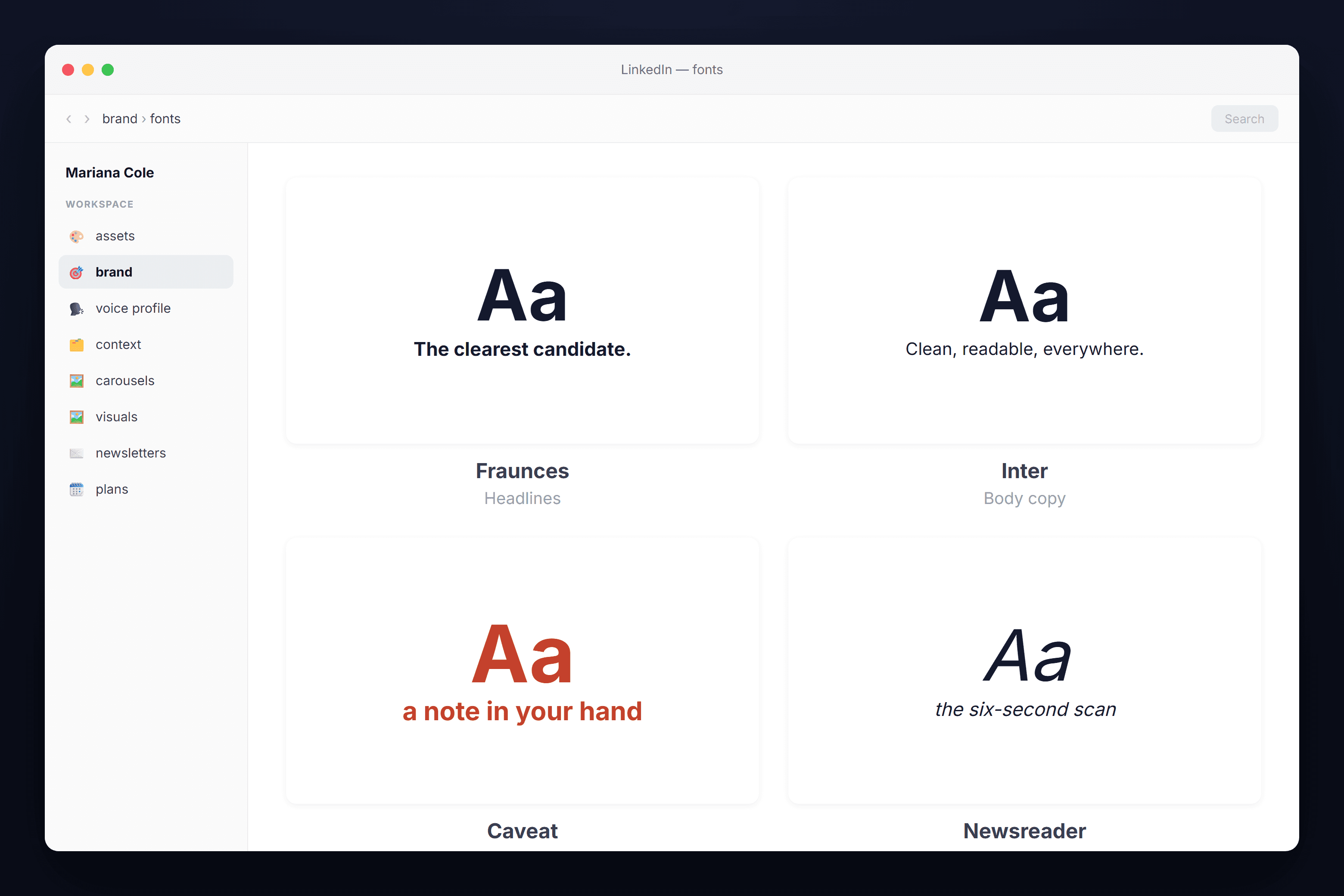
Your fonts
The exact typefaces that make your brand recognizable, from your headline serif to your handwritten accent. Every cover and caption uses them, so nothing looks off-brand.
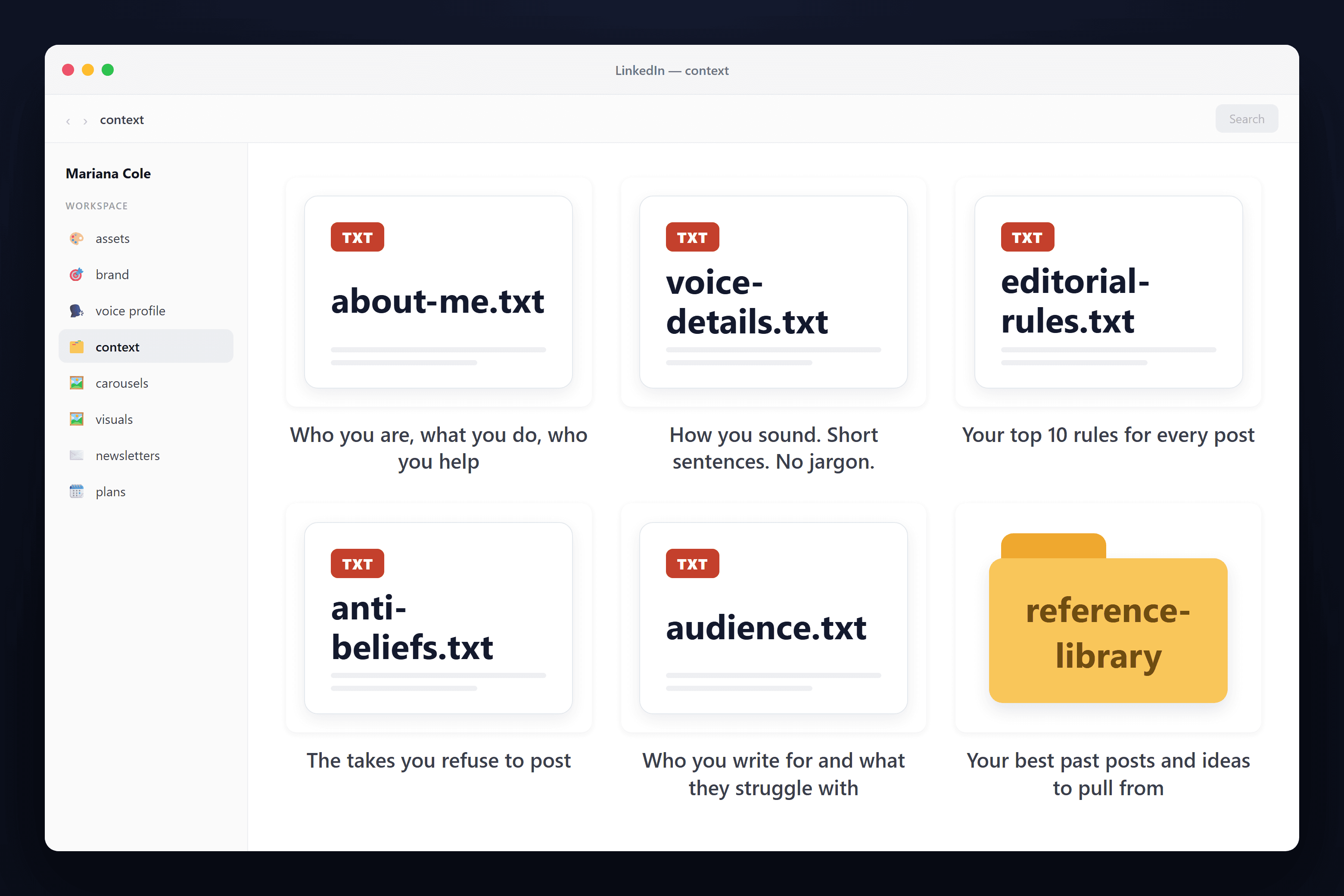
Your context
Plain notes on who you are, how you sound, and the takes you refuse to post, plus a reference library of your best past work it can pull ideas from.
It gets sharper every time you post. Every post you write teaches it more about your voice and updates your context. And when it designs something, it asks you to rate it. Score it an 8 or higher and it saves what worked back into your files, even as a reusable template. The system you finish with is smarter than the one you started with.
How a post gets made
No prompts to engineer, no design tool to open. You start from your own idea, ask in plain words, and finished posts save straight to your computer.
It turns on inside the Claude you already use
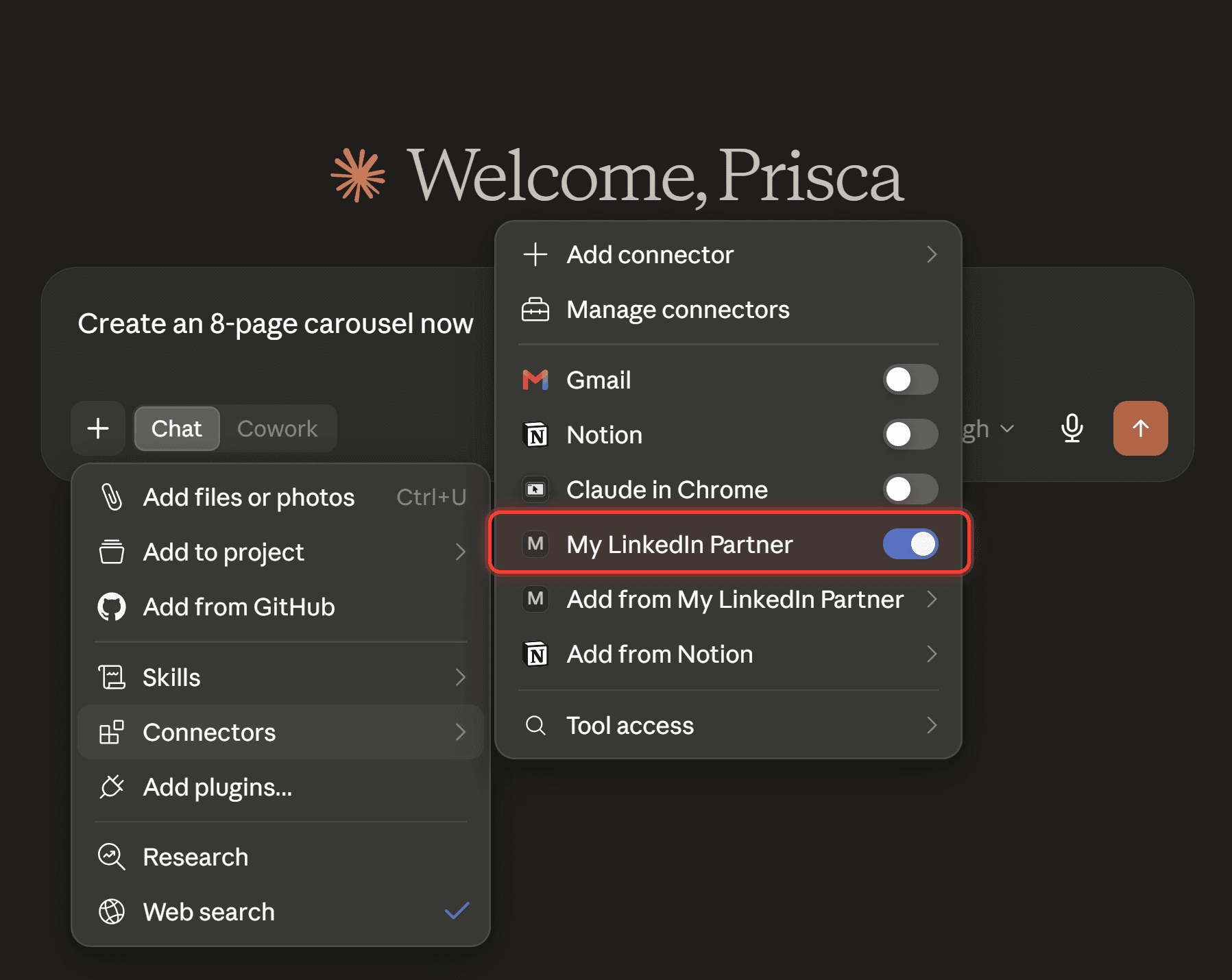
Flip the My LinkedIn Partner toggle on. Even in the middle of a chat about something else, you can switch it on and say “save this as a context file” or “turn this into a post,” and it picks up right there.
You bring the draft. It never invents a version of you that is not there, it works from your words and your files.
Finished posts save on your computer, ready to publish
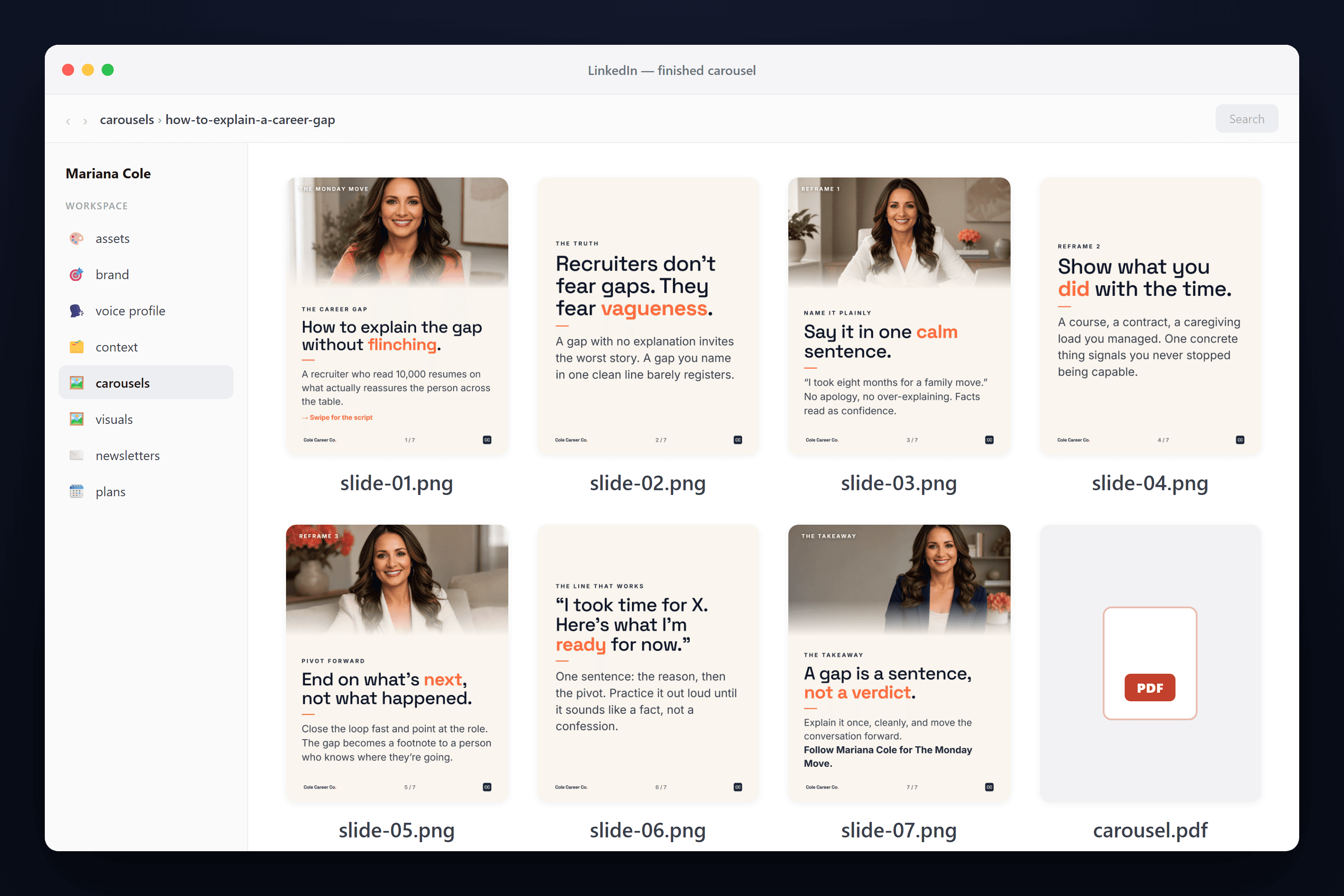
Every slide of the finished carousel, plus a print-ready PDF, sitting in your own folder. Nothing trapped in someone else’s app.
Just ask it, in plain words
No commands to memorize. It has already read everything about your brand and your past work, so you talk to it like a teammate who knows your work. A few of the things people ask:
See what it knows about you
- “What do you know about me?”
- “What are my top 10 editorial rules?”
- “Show me my voice profile in plain words.”
- “What are my anti-beliefs, the takes I will not post?”
Pull from your library
- “Read my posts on X and Y from my library and tell me if there is room to synthesize them.”
- “What in my library is worth a fresh angle this week?”
- “Find the post that performed best on this topic and show me why.”
Go from a draft to a post
- “Given this draft, should it be a carousel or a single image post?”
- “Give me my top 5 hook options for this draft, for a single image post.”
- “Turn this rough draft into a finished post in my voice.”
- “This draft needs a story to mean more to the reader. What popular historical stories could I write about?”
Sharpen it and learn what works
- “Pressure-test this hook. Is it strong enough?”
- “Find posts that already work like this and rebuild mine on that structure.”
- “Here is my LinkedIn analytics export. What worked, and what did not?”
- “Build next week around the posts that earned attention.”
Save your design preferences
- “From now on, start my carousels with a larger font size.”
- “Make me appear a little smaller in the frame going forward.”
- “Never use that font on my covers again.”
- “I rate this an 8. Remember what worked and save it as a template.”
Save context on the fly
- “Save this note as a context file.”
- “Add this to my brand rules.”
- “Remember that I never use exclamation points.”
Not another AI content tool
Most AI tools either write generic posts or generate generic images. This does neither. It works from you, and it shares none of their three weaknesses.
It is built from you
Trained on your writing, your context, and your brand, not a template thousands of other people also use. It sharpens your ideas instead of inventing generic ones.
It lives on your computer
Your writing, assets, logos, and brand sit in a folder on your own machine, like you saw above. Nothing rented, nothing sitting in someone else’s cloud.
You own it
You pay once for the setup and keep the system. No monthly seat, no subscription creeping up every year.
Built for LinkedIn. Useful well past it.
LinkedIn is where it shines and where it stays focused. But because it makes real image and document files that live on your computer, people keep finding more to do with them.
The same posts, on Instagram
The carousels and single posts drop straight onto Instagram. One brand, more than one platform, without redoing the work.
Any size you ask for
LinkedIn’s portrait dimensions are just the default. Ask for a square, a story, or a wide cover, and it comes out sized for that instead.
Lead magnets and handouts
Carousels export as print-ready PDFs, so a post can become a one-pager, a downloadable guide, or something to hand out on a call.
A whole week from one idea
Turn a single topic into a carousel, a single post, and a newsletter section, all in the same voice, so one thought carries a week.
Who it is for
This is for experts and advisors who know they should be visible on LinkedIn, want it to sound and look like them, and would rather not hire a designer, brief a ghostwriter, or babysit a tool to get there.
If you are a freelancer running content for several client brands, there is a version built to switch between brands cleanly. Bring it up on the call.